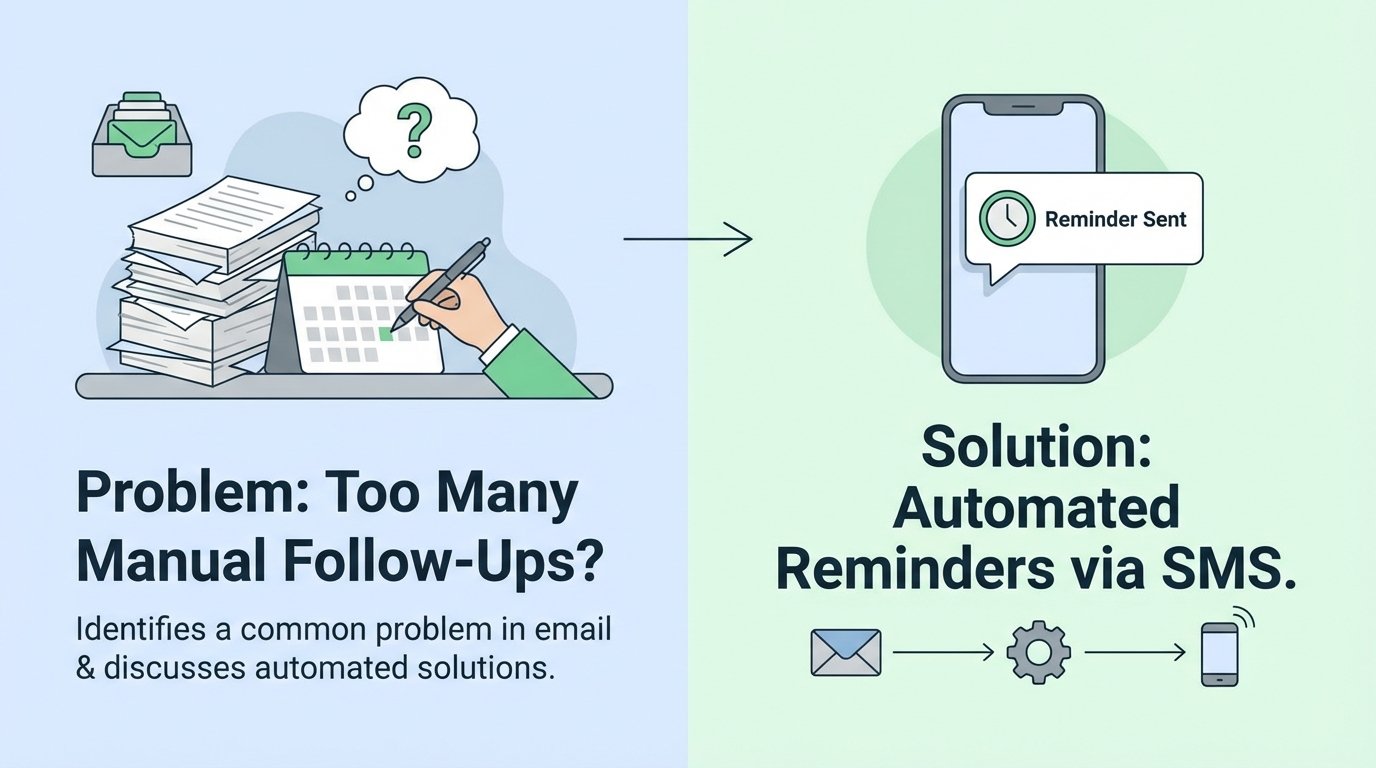
Your open rates are a lie. The number is a vanity metric, propped up by pixel trackers that fire inconsistently across a dozen different email clients. A marketing team might celebrate a 40% open rate, but the operations team is still stuck with a queue of leads or users who expressed interest and then vanished. The real failure is the latency between a user’s fleeting moment of intent and the required action from your team.
Manual follow-up is the default, ineffective solution. It forces a human to monitor a report, cross-reference it with the CRM, and then decide to place a call or send another email. This process is slow, riddled with human error, and completely unscalable. The window of opportunity, that brief period when your service is top-of-mind for the user, has already closed. You’re not following up; you’re just making noise after the fact.
Diagnosing the Core Failure: State Desynchronization
The fundamental issue is a state management problem. Your email service provider (ESP) knows a user clicked a link. Your CRM might know the user’s overall status. Your application database knows their last login. These three systems operate in their own silos, updated on different schedules. The “truth” about a user’s current state is fragmented and lagging.
Most operations depend on batch processing. A CSV is exported from one system and imported into another every 24 hours. This is an archaic data architecture. Relying on batch jobs to sync user state is like trying to build a car on an assembly line where every station only gets its parts delivered once a day. By the time the data arrives, the context is stale and the opportunity is gone. We need to operate on events, not schedules.
The click or open event is the trigger. The failure is not reacting to it within seconds. Instead, we let it sit in a database, waiting for a cron job to pick it up hours later. This delay introduces the need for a human to bridge the gap, creating a manual workflow that is both a resource drain and a point of failure.

The Architecture of an Immediate Response System
To fix this, we need to gut the batch-processing mindset and build an event-driven pipeline. The goal is to shrink the time between user action and system reaction from hours to under a minute. This architecture has four critical components: the trigger, the logic engine, the state check, and the action.
1. The Trigger: Webhooks, Not Reports
Stop polling for changes. Every competent ESP or marketing automation platform offers webhooks. A webhook is an HTTP POST request that the platform sends to a URL you specify when a certain event occurs. Configure your platform to fire a webhook for the specific events that matter: email opens, link clicks, or even unsubscribes. This is your real-time data feed.
The webhook payload typically contains the user’s email, the campaign ID, the specific link they clicked, and a timestamp. This is all the context you need to initiate a workflow. You are no longer waiting for a report; the data is pushed to your system the instant the event happens.
2. The Logic Engine: Serverless Functions
The webhook needs to hit an endpoint you control. Building and maintaining a dedicated server for this is overkill. This is a perfect use case for a serverless function, like AWS Lambda, Google Cloud Functions, or Azure Functions. It’s cheap, it scales automatically, and you only pay for the milliseconds it runs.
Your function’s sole purpose is to ingest the JSON payload from the webhook, validate its authenticity, and execute the core logic. It acts as the central nervous system for your response mechanism. Keep the function small and single-purpose. It receives data, makes decisions, and delegates actions. It should not be a monolith.
3. The State Check: Interrogating the Source of Truth
Before you fire off an SMS, you must interrogate your system’s source of truth. The webhook tells you what just happened, but you need to know the user’s overall context. Has this user already been contacted in the last 24 hours? Did they already complete the purchase or sign-up process a minute ago in another tab? Sending a reminder to a user who just converted is a bad experience.
The serverless function must make a high-speed call to a database or a CRM API to get this context. This could be a query to your primary application database, a lookup against a Salesforce or HubSpot record, or a check against a dedicated cache like Redis. If the user’s state indicates a follow-up is redundant or inappropriate, the function terminates immediately. This logic-check prevents you from spamming your users.
4. The Action: The SMS API Call
If the state check passes, the function proceeds to the action. This involves formatting a message and making a POST request to an SMS provider’s API, such as Twilio, Vonage, or MessageBird. The API call will include the recipient’s phone number, your dedicated sender number, and the message body.
The message itself should be concise and direct. You can inject data from the webhook payload or the CRM lookup to personalize it. For example: “Hi [FirstName]. We saw you were checking out the [ProductName]. A specialist is available to answer questions. Reply YES if you’d like a call.” This connects the user’s digital action to a real-world next step, instantly.
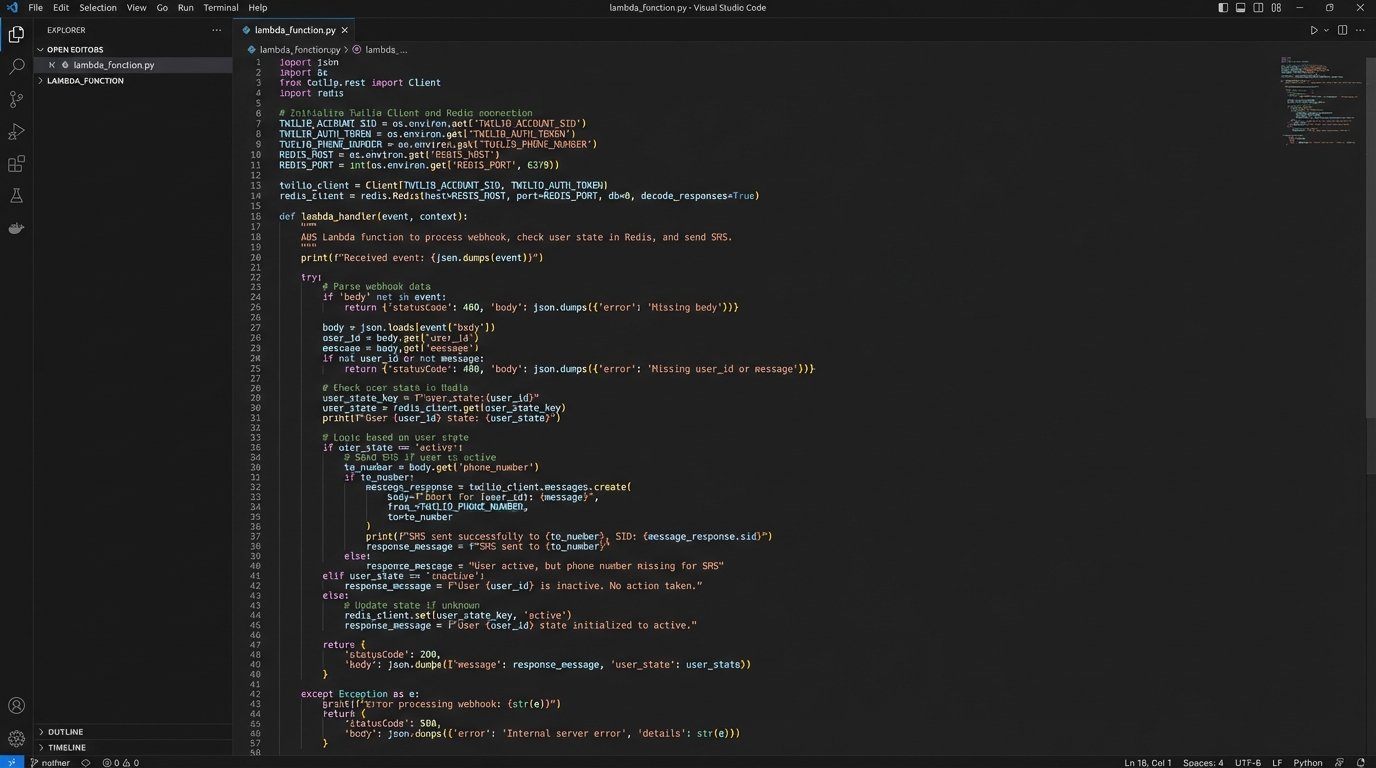
Here’s a bare-bones Python example of what this logic might look like inside an AWS Lambda function, using Twilio.
import os
import json
from twilio.rest import Client
import redis
# Connect to Redis for state checking
redis_client = redis.Redis(host=os.environ['REDIS_HOST'], port=6379, db=0)
def lambda_handler(event, context):
# 1. Ingest and parse the webhook payload
try:
payload = json.loads(event['body'])
user_email = payload.get('email')
click_url = payload.get('url')
except (json.JSONDecodeError, KeyError):
return {'statusCode': 400, 'body': 'Invalid payload'}
if not user_email:
return {'statusCode': 400, 'body': 'Email missing'}
# 2. State Check: Has this user been contacted recently?
# Use email as a key in Redis with a time-to-live (TTL) of 24 hours
if redis_client.exists(user_email):
print(f"User {user_email} already contacted. Aborting.")
return {'statusCode': 200, 'body': 'Already processed'}
# This is a simplified CRM lookup. In reality, this would be an API call.
user_data = get_user_data_from_crm(user_email)
if not user_data or user_data.get('status') == 'converted':
print(f"User {user_email} has already converted. Aborting.")
return {'statusCode': 200, 'body': 'User already converted'}
# 3. Action: Send the SMS via Twilio
account_sid = os.environ['TWILIO_ACCOUNT_SID']
auth_token = os.environ['TWILIO_AUTH_TOKEN']
client = Client(account_sid, auth_token)
try:
message = client.messages.create(
body=f"Hi {user_data.get('firstName')}. Noticed your interest in our setup guide. Need help? A tech is available.",
from_=os.environ['TWILIO_PHONE_NUMBER'],
to=user_data.get('phoneNumber')
)
print(f"SMS sent to {user_data.get('phoneNumber')}. SID: {message.sid}")
# 4. Set state in Redis to prevent re-contacting for 24 hours (86400 seconds)
redis_client.setex(user_email, 86400, 'contacted')
except Exception as e:
print(f"Error sending SMS: {e}")
return {'statusCode': 500, 'body': 'Failed to send SMS'}
return {'statusCode': 200, 'body': 'SMS sent successfully'}
def get_user_data_from_crm(email):
# This is a mock function. Replace with a real API call to your CRM.
# It must return the user's phone number and current status.
print(f"Querying CRM for {email}...")
# Simulating a found user who has not converted yet.
return {
'firstName': 'Jane',
'phoneNumber': '+15551234567',
'status': 'lead'
}
This code strips the process down to its essentials. It receives an event, checks state to prevent duplicate messages, and executes an action. It’s a simple, robust pattern.
Operational Realities and Unavoidable Problems
The architecture is sound, but implementation in a live environment is never clean. Several factors will break this system if you don’t plan for them.
SMS API Rate Limiting and Queues
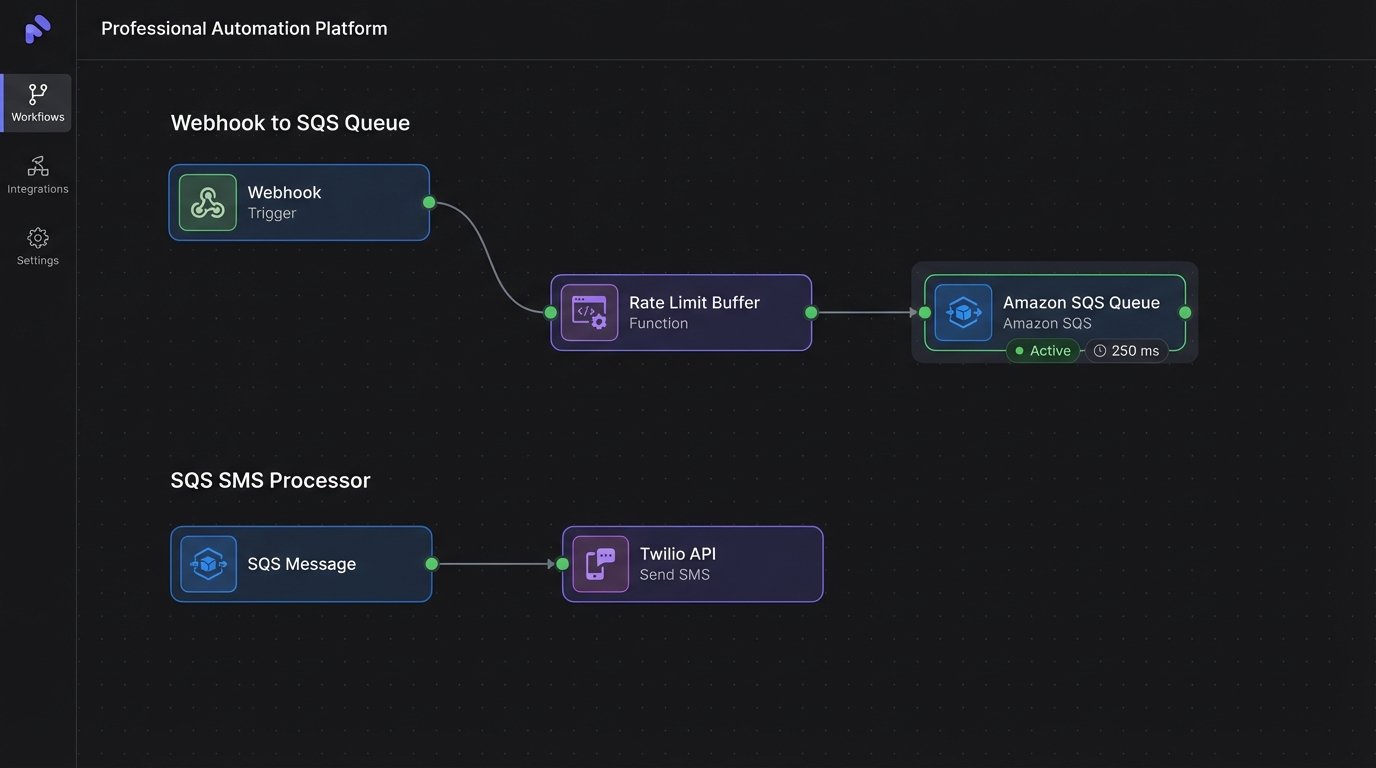
If you have a successful email campaign, you could suddenly get thousands of link clicks in a few minutes. This will translate into thousands of concurrent executions of your serverless function, all hammering the SMS provider’s API. Their servers will throttle you. Your API calls will start failing.
The naive solution is a simple retry loop in the function. A better solution is to decouple the logic engine from the action. Instead of calling the Twilio API directly from the main function, have the function push a job into a message queue like Amazon SQS or Google Cloud Pub/Sub. A separate pool of workers (which could be another serverless function triggered by the queue) can then process these jobs at a controlled rate, respecting the API limits.
Data Consistency Race Conditions
A user might click the “buy now” link in your email and complete the checkout on your website. The webhook for the email click might fire and reach your serverless function *before* the checkout process has finished updating the user’s record in your CRM. Your state check will query the CRM, see the user is still a “lead,” and incorrectly send an SMS asking them to complete the purchase they just made.
There are two ways to mitigate this. You can introduce a small, deliberate delay (e.g., 60 seconds) into your workflow before the state check. This gives other systems time to catch up. A more resilient method is to build idempotency into the logic, so that if the same event is processed multiple times, it only has an effect the first time. The Redis check in the example code provides a basic form of this.
Cost Control
Serverless functions are cheap, but SMS messages are not. A poorly configured trigger could result in a massive, unexpected bill. Imagine a developer accidentally links the webhook to a “newsletter sent” event instead of a “link clicked” event. You could send a million text messages in an hour. This is a wallet-drainer of the highest order.
Implement strict cost controls. Your serverless function should have concurrency limits to cap the maximum number of simultaneous executions. In your state-checking logic, build in absolute limits, for example, “never send more than two SMS reminders to a single user in one month.” Monitor your SMS provider dashboard closely after deploying any new automation.
Compliance and Opt-Outs
You cannot legally send marketing text messages to users without their explicit consent (in the US, this is governed by the TCPA). Your initial data collection forms must have clear language and a separate checkbox for SMS consent. Do not bundle it with general terms of service.
Your system must also handle opt-out requests flawlessly. Standard practice is to automatically process replies like STOP, END, or UNSUBSCRIBE. Your SMS provider can usually manage this with a webhook that fires back to another endpoint you control. This endpoint must update a suppression list in your database or CRM immediately. Failure to honor an opt-out request is a fast track to expensive legal trouble.
This automated follow-up system directly bridges user intent with system action. It eliminates the manual, high-latency processes that cause leads to go cold. The architecture is simple, but the operational discipline required to run it without causing chaos is significant. Get the triggers right, manage the state, and respect the API limits.