
The Monolith is a Myth
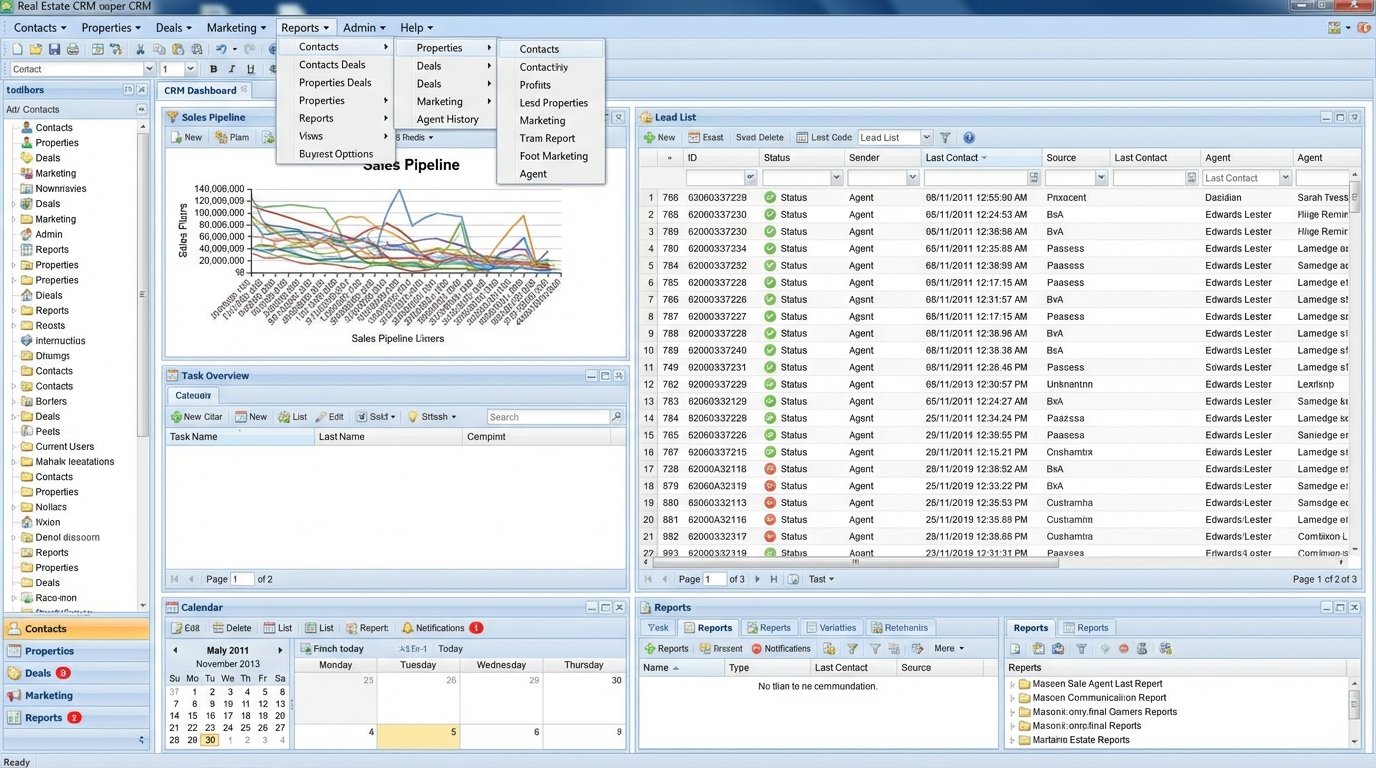
The core premise sold by most real estate tech vendors is a lie. They sell a single platform, a monolithic CRM, that claims to manage leads, track deals, run marketing campaigns, and brew coffee. The technical reality is these systems impose a rigid, opinionated workflow on agents who have spent years developing their own. The result is not efficiency. The result is a shadow ecosystem of spreadsheets, personal task managers, and disconnected calendars held together by manual data entry at 10 PM.
This isn’t a failure of team culture. It’s a failure of architecture.
Forcing a UI is a Losing Battle
Brokerages pay six-figure annual fees for platforms that their top-performing agents refuse to use. The typical response from leadership is to mandate adoption. They schedule training sessions and track login frequency as a KPI. This completely misses the point. The agent isn’t being difficult. The agent is rejecting a user interface that is slower and less intuitive than the system they already have. Forcing them to use the company-approved tool is asking them to be less productive.
Data integrity collapses the moment an agent decides it’s faster to track a commission in a notebook than to navigate seven menus in a bloated web app. The central database becomes unreliable, reports are inaccurate, and the expensive platform becomes little more than a glorified, out-of-date address book. This friction isn’t a personality problem. It is a user experience problem rooted in a flawed technical strategy.
The entire model operates on a fantasy that a single software vendor can build the optimal interface for every single task a real estate agent performs. They cannot. An interface designed for lead qualification is inherently different from one designed for managing closing paperwork. A monolithic system compromises on both, delivering a mediocre experience for all tasks. This forces your most valuable assets, your agents, into a state of permanent, low-grade irritation with their primary tools.
You are paying for that irritation.
Decouple the Data Layer from the Workflow
A more resilient strategy is to stop dictating the user interface and start standardizing the data. Forget forcing everyone into one system. Instead, build a central, lightweight source of truth for your core business objects: contacts, properties, and deals. This is not another CRM. This is a data hub with a clean, stable API. Its only job is to store and serve structured data. Nothing else.
This hub can be a custom-built service running on a small cloud instance, a well-organized Airtable base, or a headless CRM. The specific technology is less important than the principle. The system must be built API-first. Every piece of data that can be written or read by a human through a UI must be accessible through a machine-readable endpoint. The documentation for this API becomes more important than any user-facing feature.
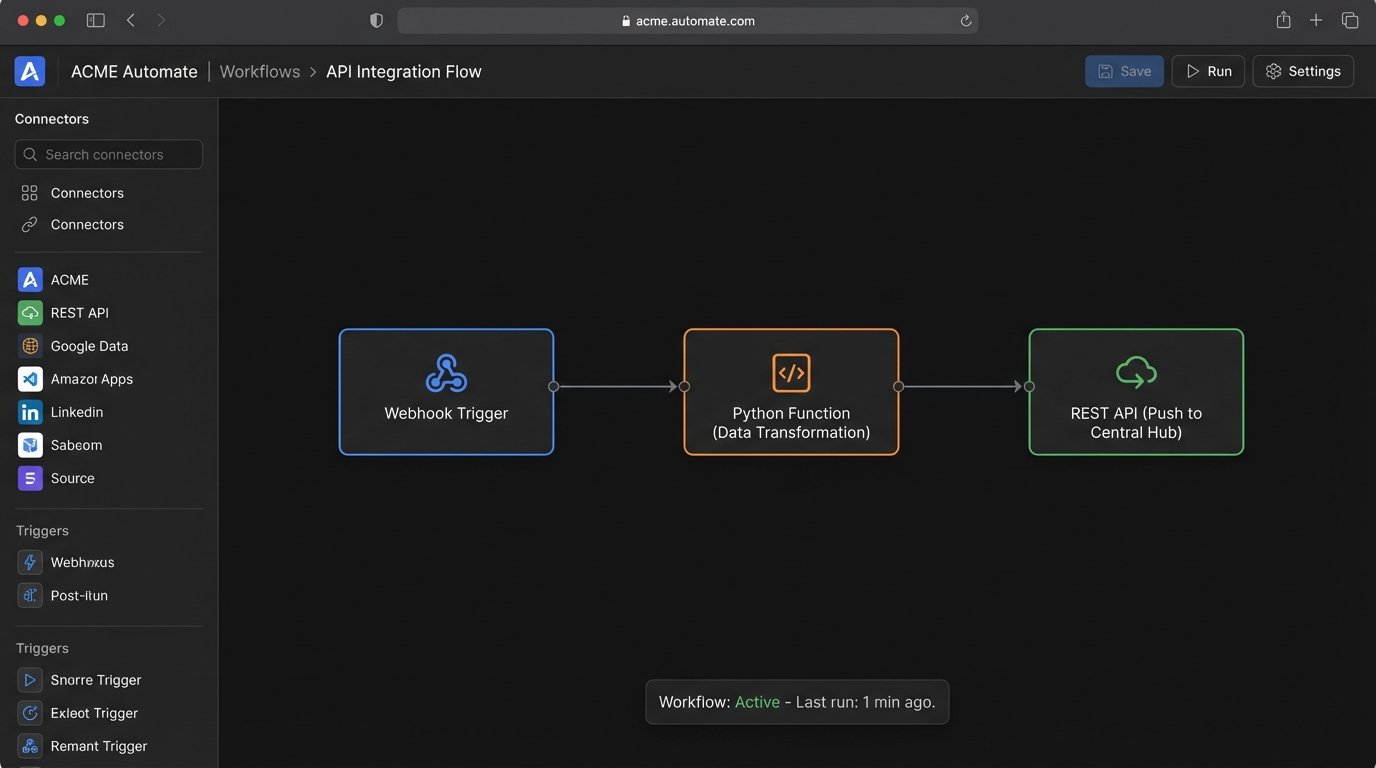
Think of it as a central switchboard, not a command center. Agents are free to plug in their preferred tools. An agent who loves Trello for its visual pipeline can manage their deals there. An agent who lives in their email can use a plugin that syncs contacts. The only requirement is that these tools must be configured to push and pull data from the central hub. A new Trello card for a deal? A webhook fires and creates a deal record in the hub. A new contact added in Outlook? A Power Automate flow injects it into the central contact database.
This architecture treats your agents like the professionals they are. It gives them autonomy over their personal workflow while giving the brokerage the clean, aggregated data it needs for reporting and forecasting. You stop managing people’s clicks and start managing data flow.
An Integration in Practice
The technical lift for this is not trivial, but it’s far from impossible. The connections are built with integration platforms like Zapier or Make, or with small, targeted scripts. These platforms act as the logical glue, listening for triggers in one system and executing actions in another. For example, a “deal closed” event in an agent’s preferred tool can trigger a workflow that calculates the commission, notifies the accounting department, and updates the brokerage’s central reporting dashboard.
Here is a dead-simple Python example of what this looks like at the code level. Imagine an agent uses a simple web form that sends a webhook when a deal closes. A small cloud function could catch this webhook and push the essential data to our central API hub. This script bypasses any specific CRM’s UI entirely.
import requests

import json

import os
# --- Configuration ---
# API_KEY and HUB_ENDPOINT would be stored as environment variables, not hardcoded.
API_KEY = os.environ.get("CENTRAL_HUB_API_KEY")
HUB_ENDPOINT = "https://api.ourbrokeragehub.com/v1/deals"
def process_deal_webhook(webhook_payload):
"""
Receives data from an agent's tool and pushes a standardized record
to the central data hub.
"""
try:
# 1. Strip and validate the incoming data. Assume it's a JSON string.
data = json.loads(webhook_payload)
# 2. Logic-check for required fields. Reject if critical data is missing.
if not all(k in data for k in ["property_address", "sale_price", "agent_id"]):
return {"status": "error", "message": "Missing required fields."}, 400
# 3. Map the source data to the standardized hub format.
# The source tool might call it 'price', but our hub calls it 'sale_price'.
standardized_deal = {
"address": data.get("property_address"),
"final_price": float(data.get("sale_price")),
"closing_date": data.get("close_date"), # Assumes ISO 8601 format
"agent_identifier": data.get("agent_id"),
"source_system": "AgentTrelloBoard" # Track where the data originated
}
headers = {
"Authorization": f"Bearer {API_KEY}",
"Content-Type": "application/json"
}
# 4. Force the data into the central hub.
response = requests.post(HUB_ENDPOINT, headers=headers, json=standardized_deal)
# 5. Check the response from our hub.
response.raise_for_status() # Will raise an exception for 4xx/5xx status codes
return {"status": "success", "hub_deal_id": response.json().get("id")}, 201
except json.JSONDecodeError:
return {"status": "error", "message": "Invalid JSON in webhook body."}, 400
except requests.exceptions.RequestException as e:
# Log the actual error for debugging.
print(f"API call failed: {e}")
return {"status": "error", "message": "Failed to communicate with the central hub."}, 502
# This function would be triggered by a cloud provider (AWS Lambda, Google Cloud Functions)
# when the webhook URL is hit.
This script is the mechanical reality of a decoupled system. It is a small, focused piece of logic that does one thing. It bridges two systems. An entire architecture can be built from these small, maintainable components. It’s like building with LEGO bricks instead of trying to carve a sculpture out of a single, massive block of stone. When one brick is flawed, you replace the brick. You don’t have to throw away the entire sculpture.
The Cost of Autonomy
This approach is not free. The primary cost shifts from software licensing to technical talent. You need someone who can write and maintain these small integration scripts. When an application’s API changes, and it will, you need someone to go in and fix the connector. This is an ongoing operational expense, not a one-time setup fee.
You are also taking on the burden of system design. You have to define the data schema for your central hub. What fields are required for a contact? How do you define a deal’s status? These decisions are critical and require a deep understanding of the business. Buying a monolithic CRM outsources this thinking to a vendor. Building a decoupled system forces you to take ownership of your own data model.
The stability of the entire system is also dependent on the weakest link. If an agent chooses a tool with a buggy or unreliable API, the integration will be a constant source of failure. This requires setting standards for the types of tools that can be integrated. You are not dictating the specific tool, but you are dictating a minimum level of technical quality for any tool that wants to connect to the central hub.
Build for Data, Not for Clicks
Stop evaluating technology based on its feature list. A long list of features is a liability. It implies a bloated, unfocused system that tries to do everything and accomplishes nothing well. Start evaluating technology based on the quality of its API and the flexibility of its data model.
The correct way to balance technology and team culture is to stop trying to change the culture. The behavior of your most successful agents is not something to be corrected. It is something to be supported. A top producer’s workflow is a finely tuned engine for closing deals. The job of the technologist is to build a system that can receive the output of that engine, not to force the agent to use a different engine entirely.
Design your architecture around the data, not the interface. Provide a stable, reliable data backbone and let your team choose the tools that allow them to be most effective. This creates a system that adapts to your people, not the other way around. It replaces the friction of forced compliance with the efficiency of voluntary adoption.
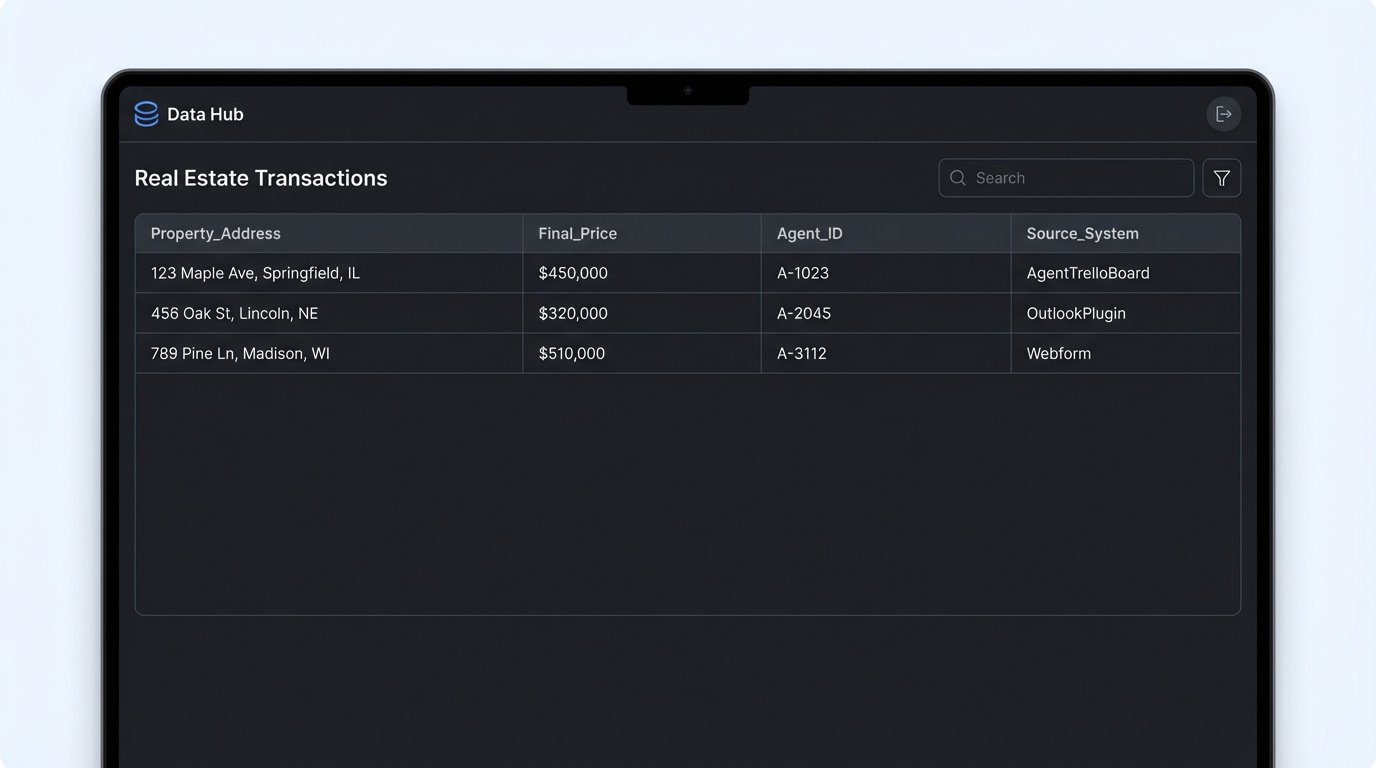
Your goal is not to get everyone to log into the same application. Your goal is to get clean, timely data from every transaction into a single, reliable database. The path to that goal does not run through a monolithic, one-size-fits-all platform. It runs through a network of specialized tools connected by well-written, targeted integrations.