
Forget ‘Seamless’. Prepare for Data Archaeology.
The term “seamless migration” is a fantasy peddled by sales teams. A real platform migration is an excavation. You are digging through years of inconsistent data entry, undocumented fields, and business logic that exists only in the mind of someone who left the company three years ago. The first step is not planning the future. It’s about understanding the mess you currently have.
Your legacy system’s database is the primary suspect. Before you write a single line of extraction code, you must force a data audit. We’re talking about a full schema dump and analysis. Identify tables that look like ghost towns and columns that have more NULLs than actual values. Your job is to map this graveyard to the pristine schema of the new platform.
This is where the first fight with project management begins. They want a timeline. You cannot give them one until you know the extent of the data rot.
Phase 1: Source System Interrogation and Mapping
The core task is to create a data dictionary that bridges the old world and the new. This is not a simple spreadsheet. It’s a technical document specifying data types, constraints, and required transformations. You will find `VARCHAR` fields in the old system that need to be forced into `INTEGER` or `BOOLEAN` types in the new one. Every mismatch is a landmine.
Start by identifying orphaned records. For example, listings that point to agents who no longer exist in the `agents` table. A simple SQL query can start exposing these skeletons. This isn’t just about data cleanliness. It’s about preserving referential integrity. Loading orphaned data into the new system will cause application-level failures that are a nightmare to debug post-launch.
SELECT
  l.listing_id,
  l.agent_id
FROM listings l
LEFT JOIN agents a ON l.agent_id = a.agent_id
WHERE a.agent_id IS NULL;
This query is your opening argument. It produces a list of broken relationships that must be fixed or discarded. Every record found is a decision point: re-assign, delete, or archive. Don’t let anyone tell you to “just move it all over.” That’s how you build a new legacy system on day one.
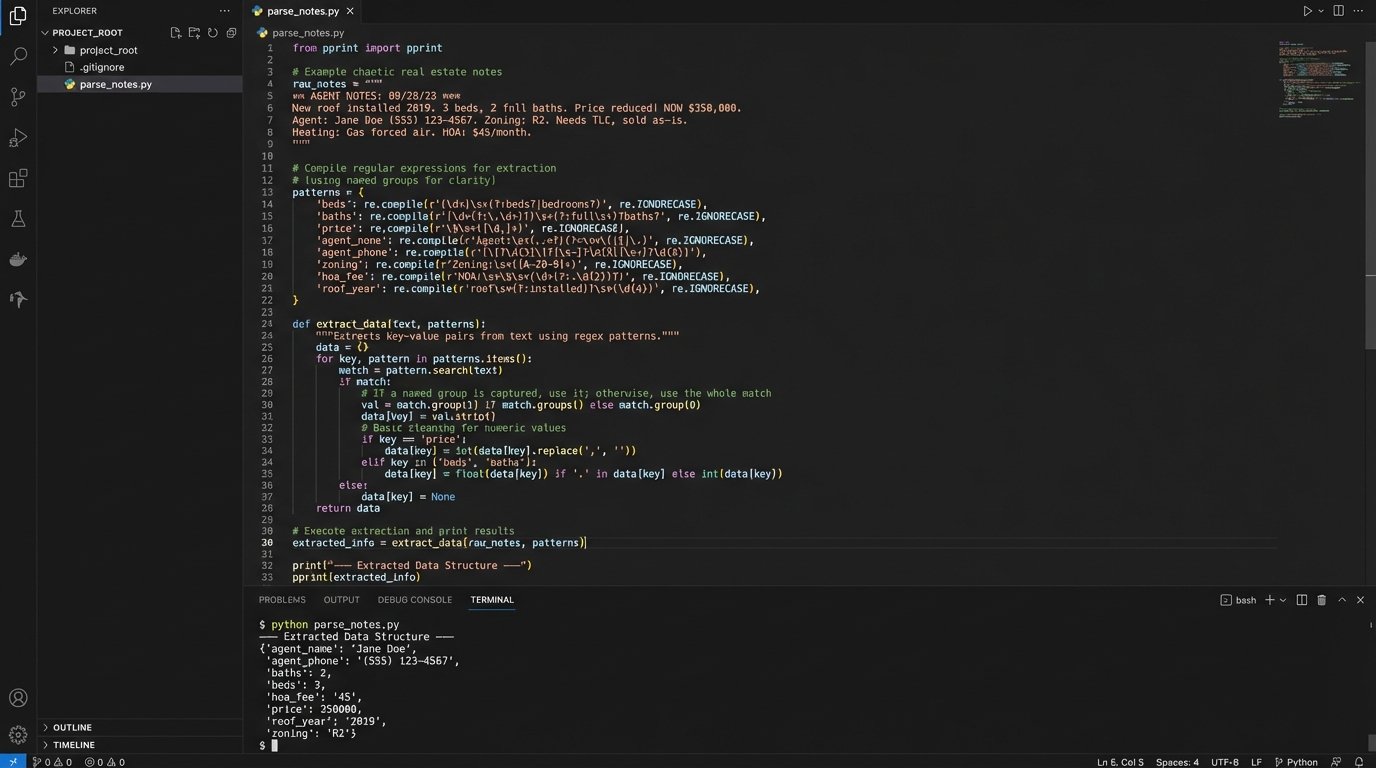
Next, attack the free-text fields. The `notes` or `description` fields are often used as a dumping ground for structured data that developers were too lazy to model correctly. You’ll need to write regular expressions to strip out phone numbers, email addresses, or key-value pairs that were shoved into a single text block. This process is slow, tedious, and absolutely critical. It’s like trying to reassemble a shredded document with half the pieces missing.
Phase 2: Building the Extraction and Transformation Pipeline
With a map in hand, you can build the extraction mechanism. The choice is usually between a dedicated ETL tool or writing your own scripts. ETL tools are expensive wallet-drainers that promise drag-and-drop simplicity but often require just as much technical expertise to manage their quirks. Writing your own scripts, typically in Python with libraries like Pandas and SQLAlchemy, gives you total control but puts the burden of performance and error handling squarely on your shoulders.
Assuming you choose the script route, do not pull all the data in one monolithic query. Extract data table by table, respecting dependencies. Extract users first, then agents, then listings. Pulling data out of an old system this way is like defusing a bomb, wire by wire. Yank the wrong one and the whole thing could lock up.
The transformation stage is where your data map becomes executable code. This is where you logic-check every single field. A common point of failure is address data. The old system might have a single `address` field, while the new one requires `street_address`, `city`, `state`, and `zip_code`. You’ll need to use a service like the Google Geocoding API or a self-hosted alternative to parse and standardize these addresses. This costs money and is subject to rate limits.
Your transformation script must be idempotent. This means you can run it multiple times on the same source data and get the exact same result. This is non-negotiable for testing. You will run this script hundreds of times before the final migration. If it produces different results based on some internal state, you can’t trust it.
- Data Cleansing: Strip weird characters, trim whitespace, and enforce character encoding (UTF-8 or nothing).
- Normalization: Convert all phone numbers to E.164 format. Standardize state abbreviations. Force casing on email addresses.
- Enrichment: Use external APIs for geocoding or pulling in supplementary data. Build in circuit breakers for when these external services fail.
- Validation: After transformation, run a validation layer. Does the email field actually contain a valid email? Is the property price a positive number? Reject and log any record that fails.
Phase 3: Staging, Loading, and The Dry Run
Never load transformed data directly into the new platform’s production database. You must use a staging database. This staging area should have the exact same schema as the new production environment. This is your sandbox for identifying integrity constraint violations, performance issues with indexing, and other problems before you affect a live system.
Loading the data into staging is the first real performance test. You might find that inserting millions of listing records one by one is sluggish. You’ll need to use bulk loading mechanisms specific to your database engine, like PostgreSQL’s `COPY` command or MySQL’s `LOAD DATA INFILE`. These are orders of magnitude faster but require the data to be in a specific file format.
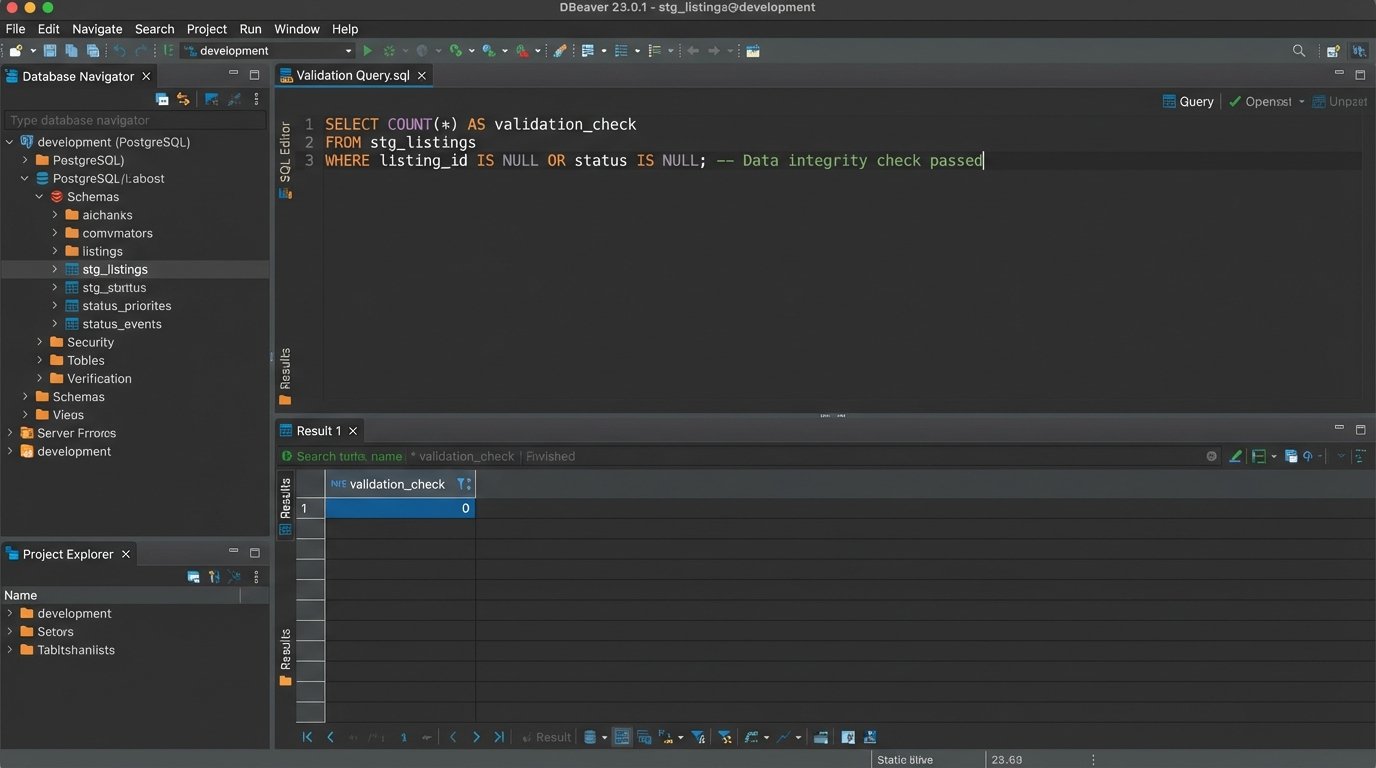
After the staging load, you run a new set of validation queries. This time, you’re checking relationships between tables in the new schema.
-- Check for listings linked to non-existent agents in the staging DB
SELECT COUNT(*)
FROM stg_listings
WHERE agent_id NOT IN (SELECT agent_id FROM stg_agents);

-- Check for any properties with invalid geo-coordinates
SELECT COUNT(*)
FROM stg_properties
WHERE latitude < -90 OR latitude > 90 OR longitude < -180 OR longitude > 180;
These queries should return zero. If they don’t, your transformation logic is flawed. You go back, fix the scripts, wipe the staging database, and run the whole process again. Repeat this cycle until the staging data is perfect. This is the “dry run.” You should be able to simulate the entire migration process, from extraction to validation, in an automated fashion.
Phase 4: The Cutover and Delta Synchronization
The final migration happens during a maintenance window when system usage is lowest. You’ve practiced this, so it should be a matter of running the scripts. The main migration will move the bulk of the data that existed up to a certain cutoff time.
But what about data created between your main export and the moment you switch the DNS? This is the delta. You need a mechanism to capture these changes. The most common approach is to use timestamps. You re-run your extraction scripts but add a `WHERE` clause to only grab records created or modified after the main export began.
For example, if your `listings` table has a `last_modified` timestamp:
SELECT * FROM listings WHERE last_modified > '2023-10-27 01:00:00';
This delta sync is a smaller, faster process that you run just before making the new platform live. It patches the final few changes into the new system. The process of getting this final dataset across and validated while the business is breathing down your neck feels like trying to shove a firehose of data through a needle.
The cutover itself is usually a DNS change. You point the public-facing domain names to the new platform’s servers. This is the point of no return. You’ll need to set the TTL (Time To Live) on the DNS records to something very low, like 60 seconds, several hours before the migration. This ensures the change propagates quickly and you’re not stuck in a state where some users hit the old site and some hit the new one.
Phase 5: Post-Launch Firefighting and Validation
The new system is live. This is not the time for celebration. This is when you find out what you missed. The first few hours are critical. Monitor error logs on the new platform relentlessly. Look for spikes in 500 errors, slow database queries, or API failures.
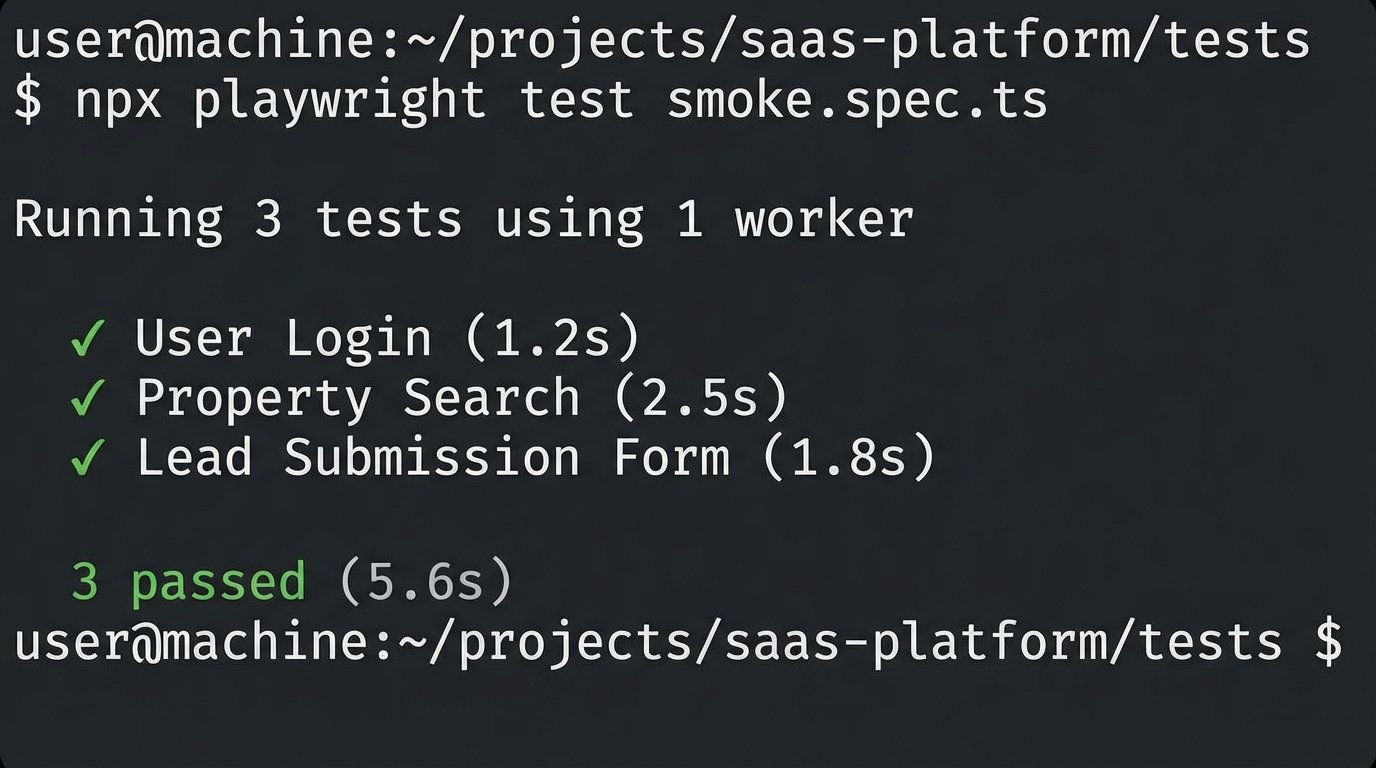
Have a validation checklist ready. This is a list of critical user paths that must be tested on the live system immediately.
- Can a user log in with their old credentials?
- Does a search for a specific, known property return the correct result?
- Can a new lead be submitted through a contact form?
- Are property images loading correctly for high-traffic listings?
Automate what you can. A simple smoke test script using a framework like Playwright can log in, perform a search, and verify the page title. This gives you a fast, repeatable way to check that the core functionality isn’t completely broken.
Expect calls from users about missing data or strange behavior. Your detailed logs from the transformation and validation phases are your best defense. You need to be able to trace a specific complaint, like “My listing from yesterday is gone,” back to the source data and prove what happened to it during the migration process. Was it filtered out by a validation rule? Did the delta sync fail to pick it up? Without logs, you’re just guessing.
Finally, do not decommission the old system for at least a month, preferably three. You will inevitably need to go back to it to verify a piece of data or pull something that was missed. The business will push to stop paying for the old hosting, but you need to hold the line. Shutting it down too early is a career-limiting move.