
The Premise is Wrong. Agents Don’t Resist Technology.
The industry narrative frames agents as technophobic. They are not. They are allergic to garbage software that injects friction into a sales process that demands speed. When a CRM requires twelve clicks to log a single phone call, the agent isn’t resisting technology. They are making a logical choice to abandon a tool that costs them more time than it saves. The failure is not with the user; it is with the architecture.
We are told to build systems that agents will adopt. The directive is flawed from the start. We should be building systems that get out of the agent’s way entirely. The best technology in this field is invisible. It automates the administrative junk and surfaces the critical data points needed for the next conversation, the next showing, the next offer. Anything else is a distraction masquerading as a feature.
Problem One: The Data Silo Architecture
Most brokerages operate on a Frankenstein’s monster of disconnected platforms. Lead generation comes from a Zillow integration. The CRM is a separate system entirely. Transaction management lives in another portal, and marketing automation is handled by a fourth vendor. Each system has its own database, its own user credentials, and its own definition of what a “contact” is.
The result is a brittle, unmaintainable mess held together by manual data entry and wishful thinking.
The Integration Lie
Vendors sell the idea of integration, but the reality is a collection of half-baked APIs with crippling rate limits and inconsistent data schemas. Trying to build a coherent data pipeline from these sources is an exercise in futility. You spend weeks mapping fields, only to have one vendor push a breaking change to their API without notice. The sync breaks, data gets corrupted, and agents lose trust in the system because it’s fundamentally unreliable.
Expecting an agent to manually bridge these data gaps is absurd. Their job is to sell property, not to be a human data-transfer protocol. This fragmentation forces them to operate from spreadsheets and notebooks, not because they are old-fashioned, but because those tools are more reliable than the expensive software stack the brokerage bought. Pushing raw, unvalidated lead data from multiple portals into a single CRM is like shoving a firehose through a keyhole. You get a lot of pressure and a big mess, but very little useful information comes through.
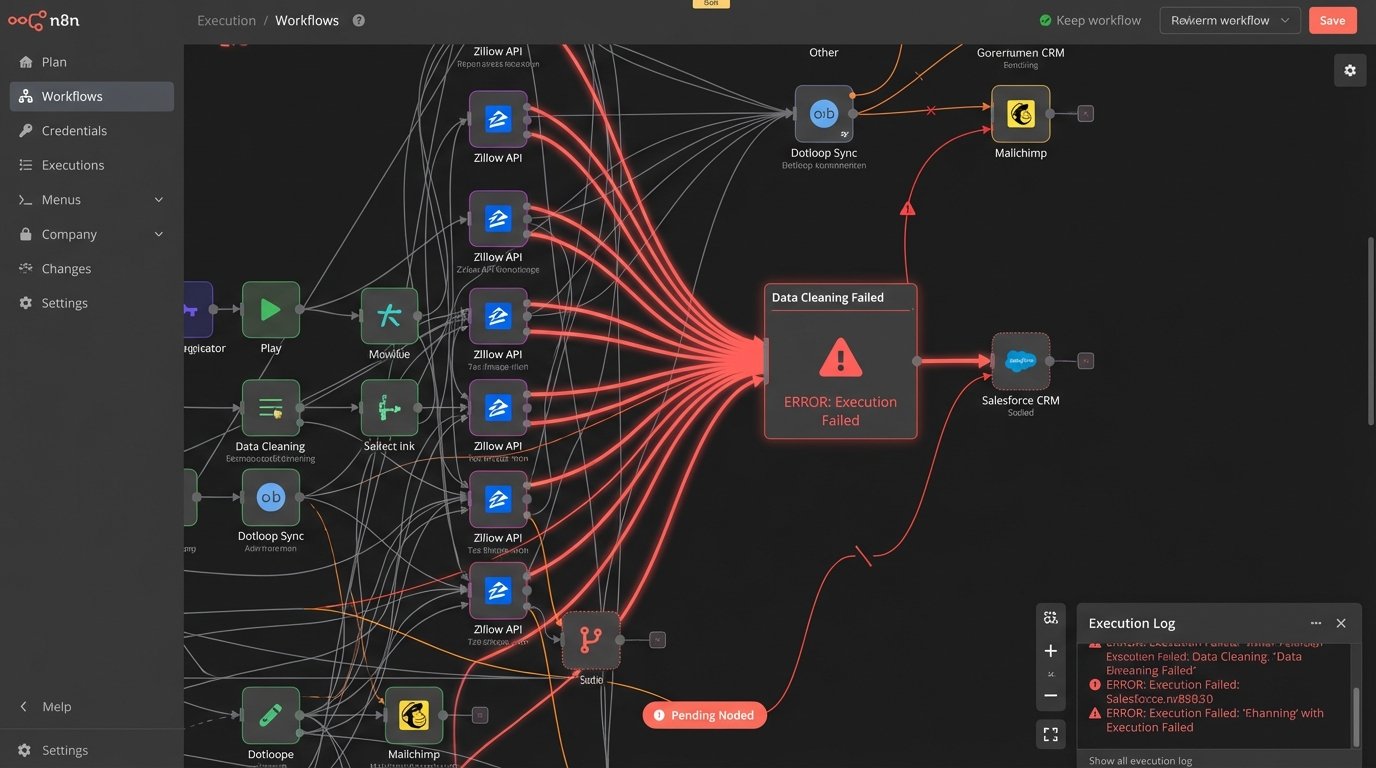
The core issue is the lack of a single source of truth for contact and property data. Without a master record, you cannot build meaningful automation. You cannot track a client’s journey from initial inquiry to closing because their data is smeared across four different systems, each with a slightly different version of their name, email, and transaction status.
Problem Two: User Experience Designed by Committee
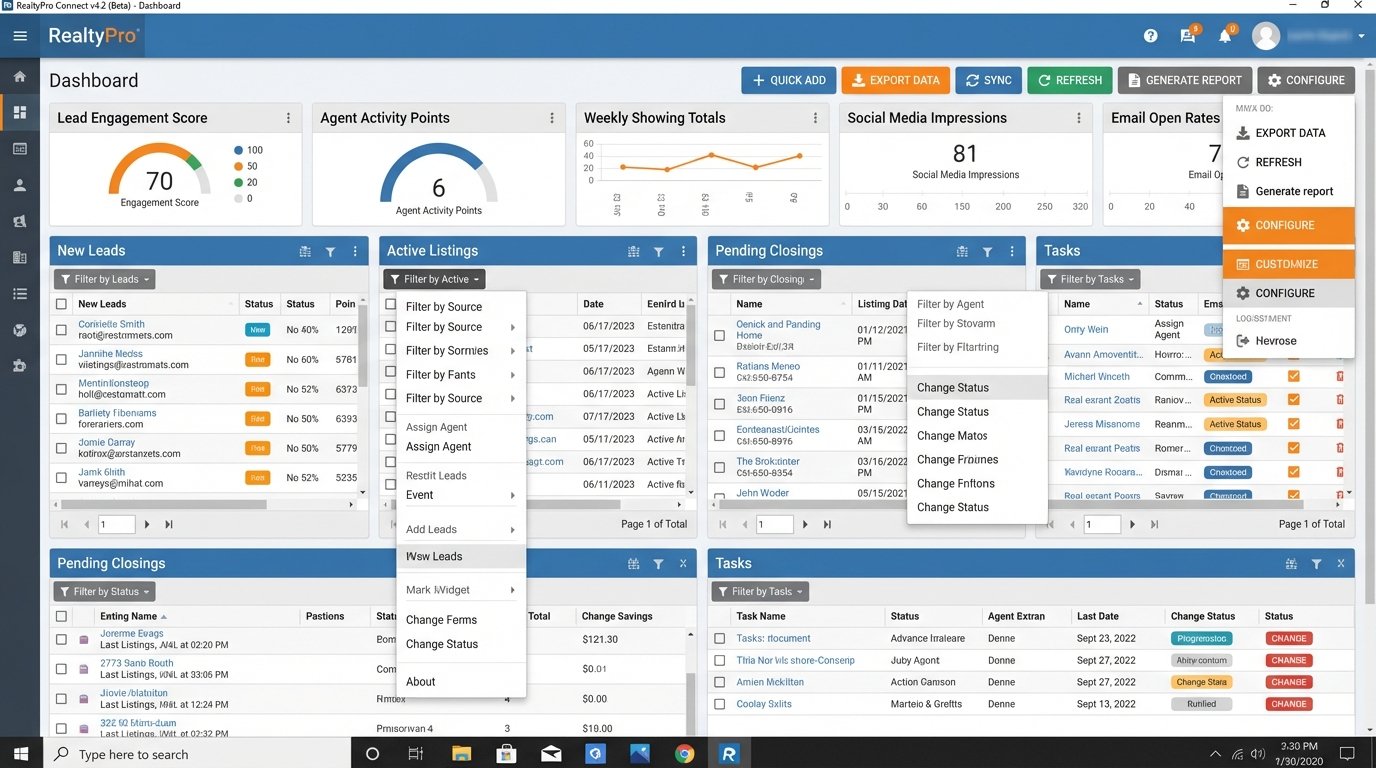
The user interfaces of most real estate platforms are a disaster. They are overloaded with features that look good on a sales deck but are useless in practice. Dashboards are cluttered with vanity metrics. The workflows required to perform basic tasks are illogical and unintuitive. The software dictates the workflow, forcing the agent to adapt to the machine’s bizarre logic rather than the other way around.
This is a direct result of product managers building for buyers, who are often brokerage executives, not for the end-users, the agents. The executive wants to see a long list of features. The agent just wants to know who to call next and what to say.
The “Click Cost” of Inefficient UI
Every unnecessary click is a tax on an agent’s time. If updating a client’s status from “Lead” to “Active” requires navigating through three different screens, the agent will stop updating the status. This isn’t laziness. It’s efficiency. The perceived value of the data entry is lower than the time cost of performing it.
Consequently, the data in the CRM becomes stale and useless. Management complains that agents are not using the system, while agents complain that the system is a waste of time. Both are correct. The system’s design creates the exact behavior it is supposed to prevent. Most UIs are built to house data, not to facilitate action. They are digital filing cabinets when they should be operational cockpits.
A simple test for any feature is to measure the time it takes an agent to use it versus the time it takes to perform the same task manually. If the software is not at least twice as fast, it is a failure. For example, logging a call should be an automated background process triggered by the agent’s phone dialer, not a manual form they have to fill out after the fact.
The Architectural Fix: A Centralized, Event-Driven Model
The solution is not another all-in-one platform that does everything poorly. The solution is an architectural shift. We need to stop thinking about applications and start thinking about data flow. The goal is to build a central nervous system for the brokerage, where a single, unified data model serves as the source of truth, and lightweight applications can plug into it.
This approach accepts the reality that agents will always want to use best-in-class point solutions for specific tasks. The back-end architecture should support this, not fight it. Let them use their preferred marketing tool or transaction coordinator, as long as the data from those tools flows back to the central system in a structured way.
Principle 1: Establish a Unified Data Object
The first step is to define a master schema for your core objects: Contacts, Properties, and Transactions. A contact is not just a name and an email. It is a composite object that includes their search history from the IDX feed, their communication log from the dialer and email server, their active transaction status, and their marketing campaign tags. All of this data must live in one accessible, queryable record.
Building this master record means writing serious back-end code to strip data from various APIs, clean it, deduplicate it, and merge it. This is the heavy lifting. The output should be a clean, predictable JSON object that any other application can consume.
A simplified version of a unified contact object might look like this:
{

  "contactId": "c_1138",

  "masterAgentId": "a_9901",

  "fullName": "Jane Doe",

  "primaryEmail": "jane.doe@email.com",

  "primaryPhone": "555-123-4567",

  "status": "Active Client",

  "source": {

    "originalSource": "Zillow",

    "leadDate": "2023-10-26T14:00:00Z"

  },

  "activity": {

    "lastCall": "2023-11-05T10:22:00Z",

    "lastEmailOpened": "2023-11-04T18:15:00Z",

    "propertiesViewed": 14,

    "searchesSaved": 2

  },

  "transaction": {

    "transactionId": "t_5504",

    "propertyId": "p_8361",

    "status": "Under Contract",

    "closeDateEst": "2023-12-15"

  },

  "tags": ["luxury_buyer", "downtown_condo", "q4_2023_pipeline"]

}
This single object provides a complete picture. Building an interface on top of this is straightforward. The hard part is engineering the data pipelines to feed it reliably.
Principle 2: Use Webhooks and Event Streams
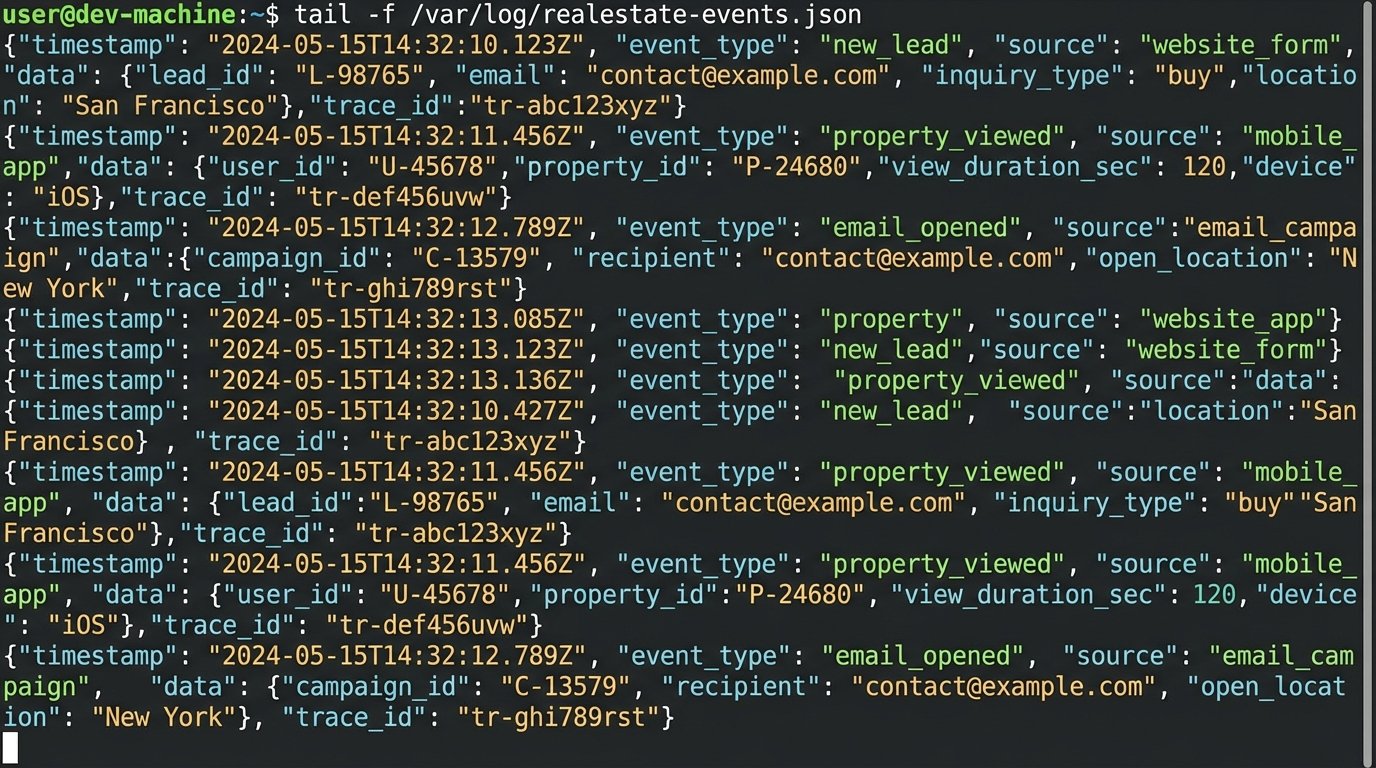
Relying on periodic polling of APIs to sync data is inefficient and slow. The architecture should be event-driven. When a lead arrives from a portal, it should trigger a webhook that instantly pushes the data into your system. When an agent updates a transaction status in Dotloop or SkySlope, that application should fire an event that your central system consumes in real-time.
This creates a responsive system where data is always current. An agent can get an alert on their phone the second a client opens their marketing email or saves a new property search. This is actionable intelligence, not historical reporting. This requires a shift from batch processing to real-time stream processing, using tools like Kafka or AWS Kinesis to handle the flow of events.
Principle 3: Build Action-Oriented Front-Ends
Once the data problem is solved, you can build an interface that actually helps agents. Instead of a cluttered dashboard, give them a simple, prioritized task list. The system should analyze the unified data for all their contacts and generate a daily “call list” based on triggers.
The logic should be configurable. For example:
- Priority 1: New lead, received less than 5 minutes ago.
- Priority 2: Existing client who just saved a new favorite property.
- Priority 3: Past client whose closing anniversary is in 30 days.
- Priority 4: Cold lead who just re-engaged by opening a marketing email after 90 days of silence.
This is what agents want. They do not want another data entry portal. They want a system that tells them what the highest-value action is at any given moment. By solving the back-end data problem first, you can finally build a front-end experience that accelerates their business instead of slowing it down. The resistance will evaporate when the technology starts working for them, not the other way around.