My entire production billing workflow fell over at 2 AM last night. The cause? An Airtable API key I rotated manually expired, and I forgot to update the one n8n credential instance tied to it. This is exactly why storing API keys directly in the n8n credential wallet is a trap for anything beyond a weekend project. It’s better than hardcoding a bearer token into an HTTP Request node’s header, sure, but it’s still asking for trouble.
Let’s be real, we’ve all done it. You’re prototyping, you just need the data, so you paste the key right into the JSON body or header field. It works, you commit it, and two months later you’ve completely forgotten about that one-off workflow that now has full read/write access with a static, non-expiring key. It’s a massive security hole and a maintenance nightmare.
The built-in credential managers in n8n or Make are a step up, but they create a different kind of mess. They abstract the key away, which is good, but managing them is a UI-driven chore. Got fifty workflows using the same Stripe credential? When you rotate that key, you have to pray the platform updates it everywhere. Sometimes it doesn’t. Worse, you can’t programmatically access or rotate those credentials. You can’t audit them easily. It’s a black box that works until it spectacularly doesn’t, usually during a critical process.
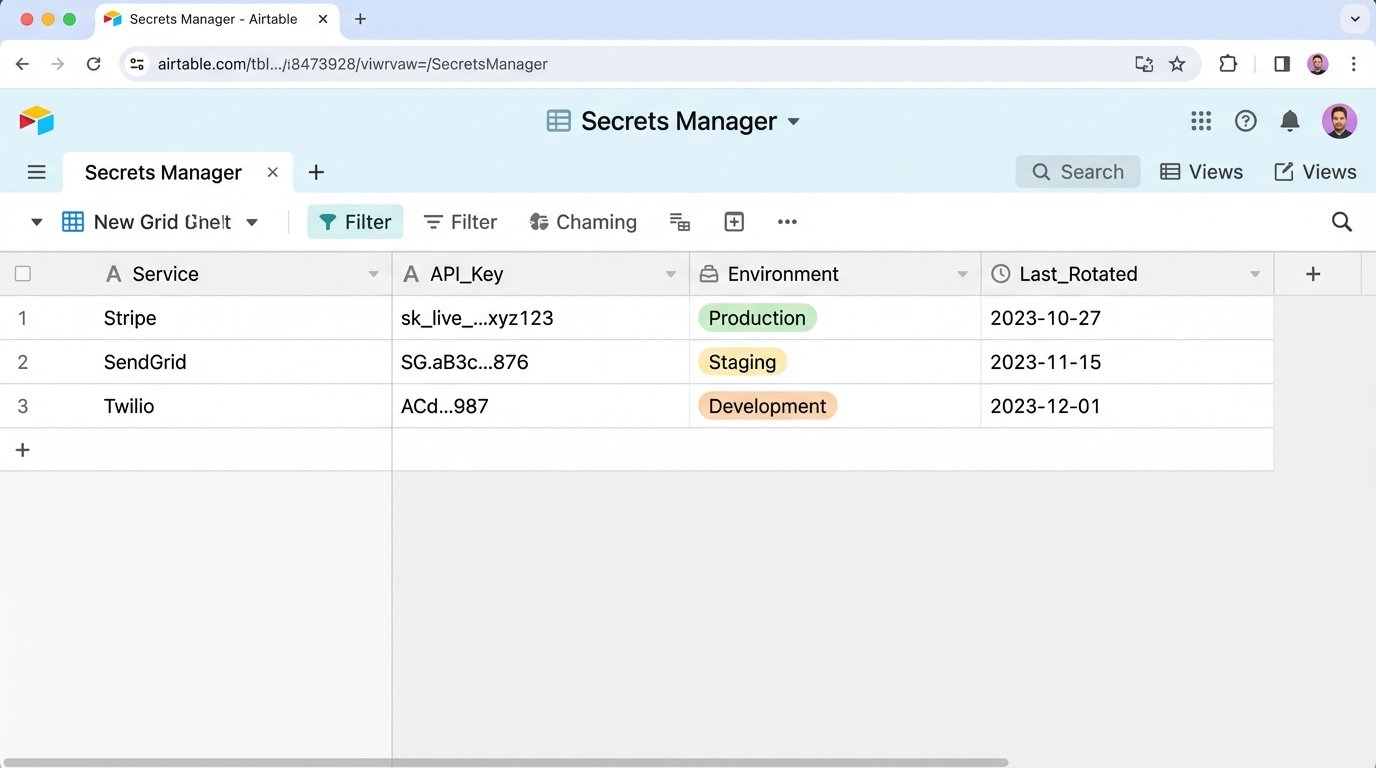
My first attempt to fix this was, admittedly, a hacky mess. I built an Airtable base to act as a central key store. A “master” workflow would run on a schedule, pull the keys from the base, and use the platform’s API to update the credentials on other workflows. It was ugly and used Airtable as a poor man’s secrets manager, which is a terrible idea for a dozen security reasons. But it proved the concept: credential management needs its own automation.
This is why I stopped using the built-in stuff for anything important. I moved everything to a proper secrets manager. I prefer Doppler, but HashiCorp Vault or AWS Secrets Manager do the same thing. The core idea is simple: your workflows don’t store keys. They fetch them at runtime.
The workflow starts with a single, securely stored API token for the secrets manager itself. The first step is always an HTTP Request node that hits the secrets manager’s API to pull the specific keys needed for that execution.
So instead of your workflow looking like:
1. Trigger
2. HTTP Request to Stripe API (with hardcoded key)
3. Function Node
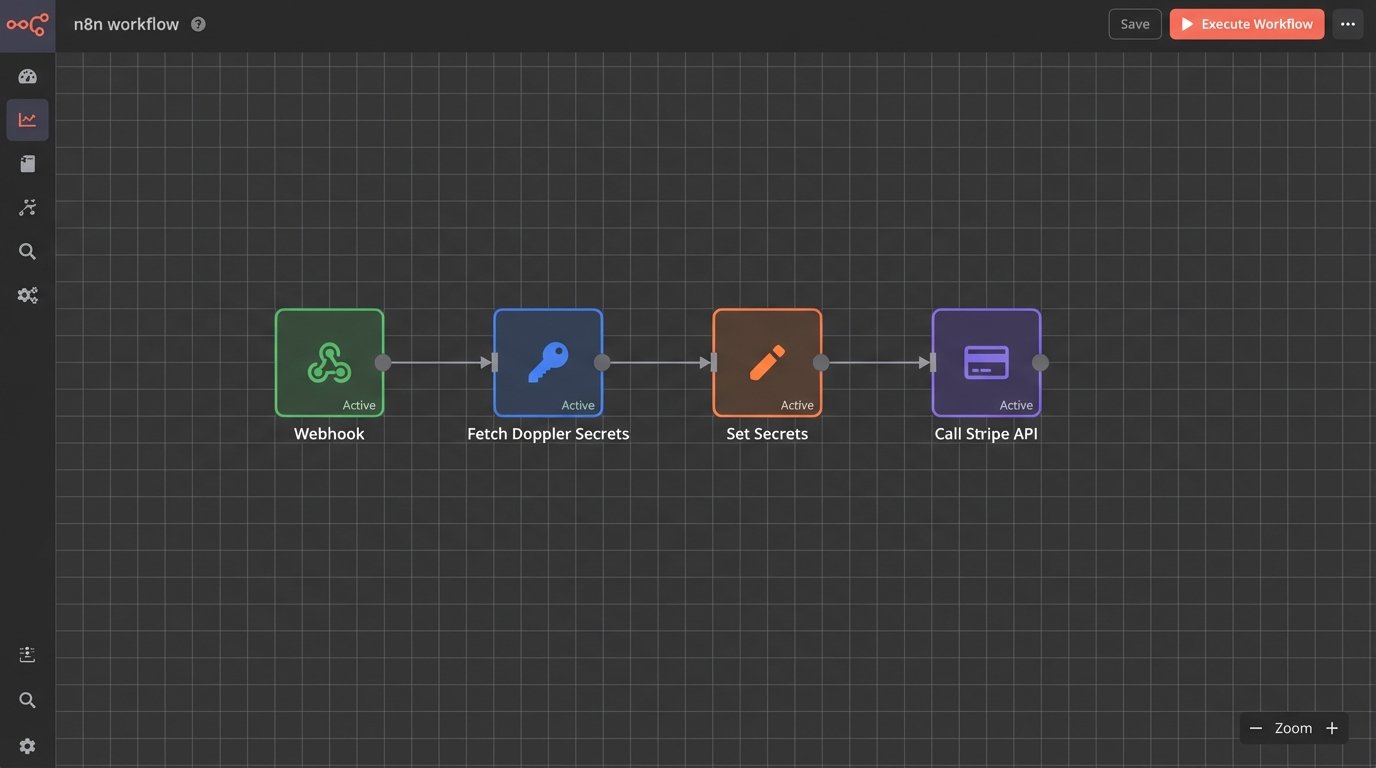
It looks like this:
1. Trigger
2. HTTP Request to Doppler API (to fetch Stripe key)
3. Set Node (to make the fetched key available to other nodes)
4. HTTP Request to Stripe API (using the key from step 3)
5. Function Node
This setup gives you central control. Need to rotate a key? You update it in one place—Doppler—and every single workflow gets the new key on its next run. No manual updates, no failed executions because you forgot one instance. You also get audit logs and fine-grained access controls, so you can specify that *this* workflow can only access the Stripe test key, while another can access the production key.
It’s not complicated to set up. A request to fetch a secret is just a basic GET request with an auth header. The response is a clean JSON payload you can easily parse.
json
{
“project”: “billing-services”,
“config”: “prd”,
“secrets”: {
“STRIPE_API_KEY”: {
“raw”: “sk_live_123abc…”,
“computed”: “sk_live_123abc…”
},
“AIRTABLE_API_KEY”: {
“raw”: “keyXYZ…”,
“computed”: “keyXYZ…”
}
}
}
Then in the next n8n node, you just reference the output from the fetcher node. The expression for the Stripe API key would be something simple like `{{ $(‘Fetch_Secrets’).json.secrets.STRIPE_API_KEY.raw }}`.
It’s a few extra steps per workflow, and it feels like overhead at first. But after that 2 AM failure, the overhead of *not* doing it is way higher. Stop relying on the UI for key management. Pull your secrets at runtime from a dedicated service. You’ll actually be able to sleep.