
Most contract automation initiatives fail before a single line of code is written. The failure originates in the source document itself, a Frankenstein of tracked changes, hidden formatting, and ambiguous conditional logic understood by a single partner who is perpetually unavailable. The technology is a scapegoat for a failure in architectural planning. Garbage in, gospel out is not a viable legal tech strategy.
Deconstruct Before You Construct
The initial impulse is to take an existing Word document and start tagging fields. This approach builds a brittle system that breaks the first time a non-standard clause is needed. The correct first step is a forensic deconstruction of the contract. Print it out. Use different colored highlighters to map variables, conditional blocks (IF this, THEN that), and repeating sections (lists of directors, schedules of assets). This manual process forces you to internalize the document’s logical skeleton.
This is not a task for a paralegal or a junior developer. It requires a lawyer who understands the legal implications of each clause and an engineer who understands data structures. The output of this phase isn’t an automated template. It’s a blueprint, a dependency graph that shows how a change in the “Governing Law” variable cascades to liability caps and dispute resolution clauses.
Ignoring this planning phase is the single largest predictor of project failure. You end up with a glorified mail merge, not a dynamic document generation engine.
The Monolithic Template Trap
A monolithic template, a single massive document with all possible variations embedded in conditional logic, is the easiest to build and the hardest to maintain. It seems fast at first. You create one master “Master Services Agreement” and cram every possible permutation into it. After six months, this document becomes a minefield of nested `IF/ELSE` statements that no one on the team fully understands.
A single change request, like adding a new data privacy clause for a specific jurisdiction, requires a terrifying deep dive into the logic. Testing becomes a nightmare. You have to generate dozens of permutations to ensure your change didn’t break an unrelated section for a different client type. This is how you burn out your tech team and erode attorney trust.
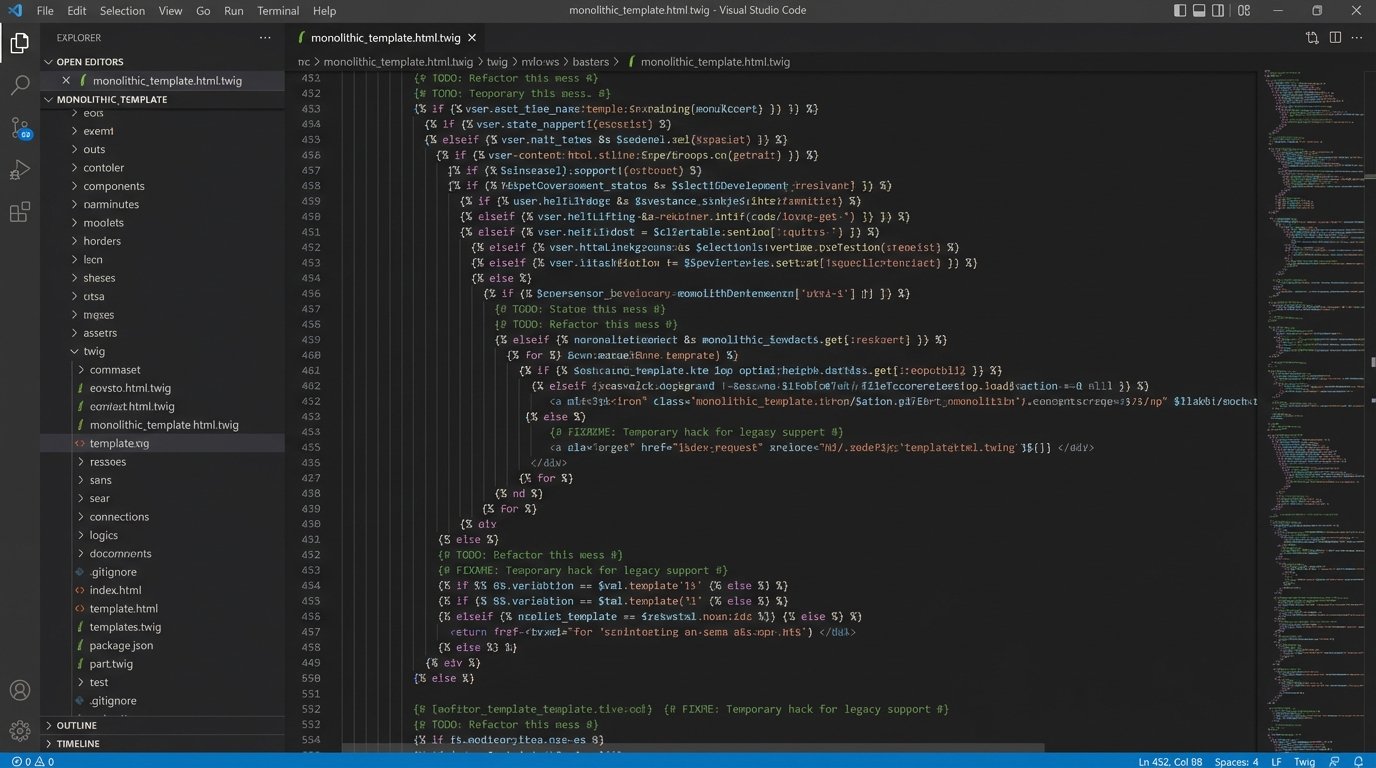
The entire structure is a ticking clock, waiting for the one logical conflict that brings generation to a halt during a critical closing.
Adopt a Clause Library Architecture
The superior, and more difficult, approach is a modular one. You break the contract down into its constituent atoms: individual clauses. Each clause is stored as a separate, version-controlled block of text. The automation platform then acts as an assembly engine, pulling the required clauses from the library based on a set of rules and stitching them together to form the final document.
This method forces discipline. A change to the “Indemnification” clause is made in one place. The system’s audit log shows exactly which templates consume this clause and what contracts were generated with the old version. Maintenance shifts from complex code debugging to simple content management. This is how you scale an automation practice beyond a single document type.
Building the library is a significant upfront investment. It requires a team to identify, standardize, and tag hundreds of clauses. This initial wallet-drainer pays for itself within the first year by gutting long-term maintenance costs and slashing the time it takes to launch new document templates. You are building a reusable asset, not a one-off tool.
Data Modeling is Non-Negotiable
The questionnaire that the lawyer fills out is just the user interface. The real work happens in the data model that sits behind it. Before you design a single form field, you must define the data structure. This means thinking about data types (text, number, date, boolean), relationships, and lists (objects). A flat list of 100 questions is a sign of amateur design.
A properly structured data model groups related information. Instead of “Signatory 1 Name,” “Signatory 1 Title,” “Signatory 2 Name,” and “Signatory 2 Title,” you create a list of `signatories`, where each item in the list is an object containing `name` and `title` properties. This allows your template to loop through the list and generate signature blocks for any number of signatories without changing the template’s core logic.
Injecting data into a flat, unstructured template is like piping raw database output directly into a UI component. It works for a demo, then shatters under the first edge case.
Consider this simple JSON structure for a party to a contract:
{

  "partyDetails": {

    "name": "Global Tech Inc.",

    "entityType": "Corporation",

    "jurisdiction": "Delaware",

    "address": {

      "street": "123 Innovation Drive",

      "city": "Palo Alto",

      "state": "CA",

      "zip": "94301"

    }

  },

  "isSigningEntity": true

}
This nested structure is clean and predictable. It allows your template logic to be more expressive, for example: `IF partyDetails.jurisdiction == ‘Delaware’ THEN insert ‘Delaware Corporate Law’ clause`. This is impossible if your data is just a flat mess of disconnected text fields.
Logic Injection and Performance
Inside the template, conditional logic controls which clauses are inserted. Most platforms use a simple syntax, like `{% if party.jurisdiction == ‘California’ %}`. The danger is nesting these conditions too deeply. A four- or five-level nested `IF` statement is a red flag. It’s difficult to read, impossible to debug, and it can create serious performance problems with some document generation engines.

When the system has to evaluate deeply nested logic for every paragraph in a 50-page document, generation times can balloon from seconds to minutes. The user experience degrades, and attorneys will abandon the tool. It is often better to compute complex logic outside the template, in the data preparation layer, and pass a simple boolean `true/false` variable into the template itself. Keep the in-template logic as simple as possible.
Strip the complex decision-making out of the presentation layer. The template should be responsible for display, not for heavy computation.
The Manual Override Backdoor
No automation can account for every negotiated edge case. There must be a workflow for a lawyer to manually edit the generated document without corrupting the underlying data model. The worst possible solution is to let them download a Word doc and start making untracked changes. This severs the link to the system of record and creates a compliance nightmare.
A better system provides a post-generation “editing” interface. This interface should clearly distinguish between automated text and manually edited text. When a lawyer overrides a clause, the system should log the change, the user who made it, and the timestamp. This creates an audit trail. The final signed document should be stored with a comparison report showing all deviations from the system-generated standard.
You provide a controlled escape hatch, not a wide-open exit. This maintains data integrity while giving senior lawyers the final say they require.
Template Versioning is Not Optional
Your templates are code. You must treat them as such. Failing to implement a version control system like Git for your clause library and document templates is professional malpractice. When a law changes or a new precedent is set, you need to update the relevant clauses. Without version control, you have no reliable way to track those changes, test them in a sandboxed environment, or roll them back if they cause a problem.
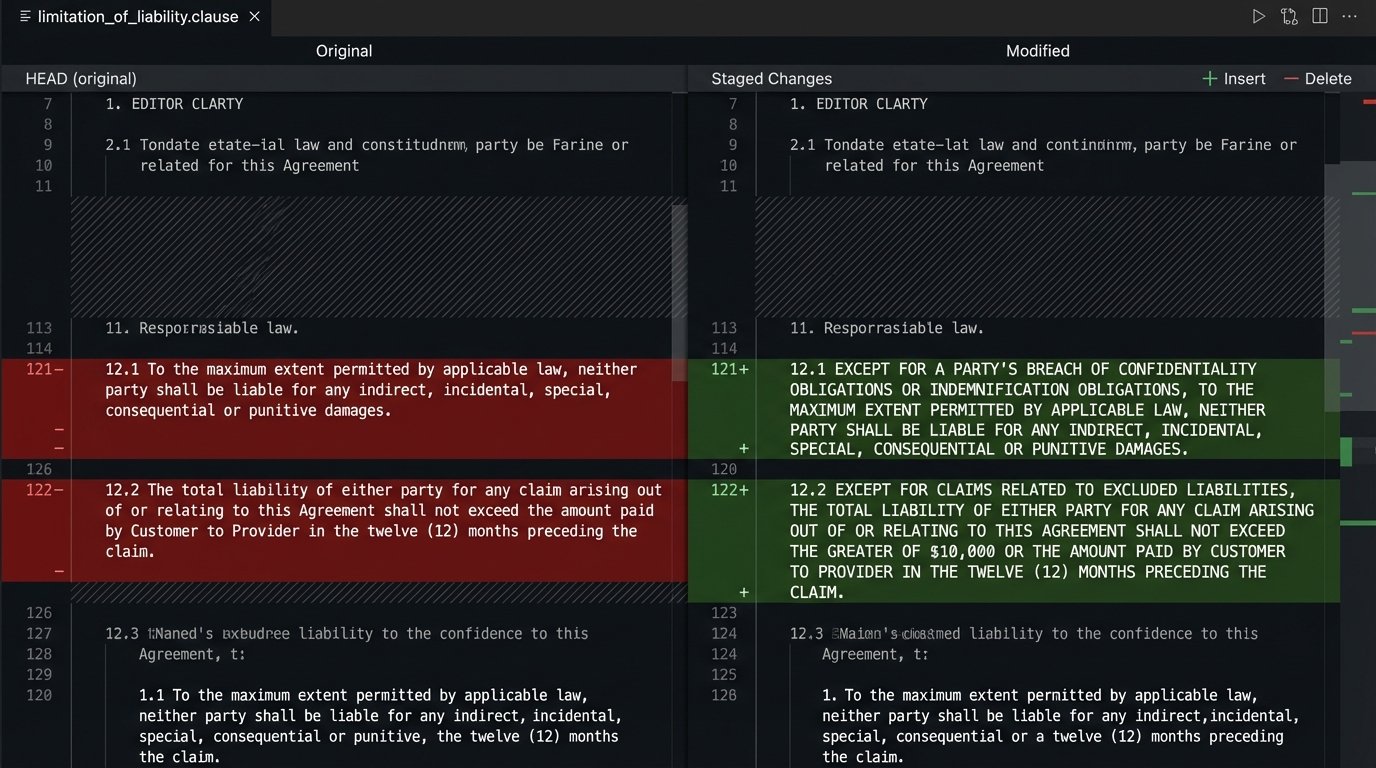
A junior associate makes a “minor wording change” to the standard Limitation of Liability clause. Two months later, you discover this change has been inserted into 150 new client agreements, creating a massive, unquantified risk exposure. With version control, every change is attributable, reviewable, and reversible. You can see a line-by-line `diff` of what changed, who changed it, and when.
Your production environment is not a playground. All template changes must be developed and validated in a dedicated staging environment before being pushed to the live system where attorneys are generating client-facing documents.
Integration and Error Handling
The goal is to eliminate manual data entry. This means pulling data from other systems: the CRM for client names and addresses, the matter management system for case details. This is typically done via API calls. An integration-first approach saves time and dramatically reduces typos and other data entry errors.
This also introduces external dependencies. The CRM’s API might be slow or temporarily unavailable. Your code must anticipate this. Every API call must be wrapped in error-handling logic. What happens if the call fails? Does the system crash? Or does it gracefully fall back, perhaps by alerting the user that a data source is unavailable and presenting them with an empty, editable field?
A simple try-catch block is the bare minimum:
try {

  let clientData = fetchFromCRM(clientId);

  populateFields(clientData);

} catch (error) {

  logError(error);

  alertUser("Could not connect to CRM. Please enter client data manually.");

  enableManualEntryFields();

}
Robust integrations require defensive coding. Assume every external system will eventually fail and build the necessary fallbacks to prevent that failure from derailing the entire contract generation process.