
The core failure of legal automation projects is not technical. It is human. We build elegant Python scripts to process e-discovery documents or slick APIs to bridge the case management system with accounting, only to watch them starve from lack of use. The typical post-mortem blames “user resistance” or “poor adoption,” which are corporate euphemisms for a critical engineering oversight. We failed to treat the human input layer with the same ruthless logic we apply to a REST API endpoint.
Change management is not a series of meetings with stale donuts. It is a systems architecture problem. You are introducing a new component, the user, into a deterministic workflow. If you do not define, validate, and sanitize the inputs from this component, your entire system will fail. This is not about persuasion. It is about control.
Deconstructing Resistance: The Pre-Mortem Protocol
Before you write a single line of automation code, you map the political and procedural landscape. The goal is not to get “buy-in” but to identify every potential point of friction, sabotage, and failure. This involves interrogating the very people who will use the tool, but the objective is different. You are not selling them a vision. You are collecting threat intelligence.
We start by diagramming the existing manual process. Every single click, every email, every spreadsheet export. This gives you a baseline reality, not the idealized version partners describe. You must directly observe the paralegals and legal assistants who actually perform the work. Their unofficial workarounds and “shadow IT” are the real process you need to automate or kill.
Your next step is to identify the “workflow warlords.” These are the individuals whose sense of importance is directly tied to the broken, manual process you intend to replace. Their resistance is not emotional. It is a logical defense of their perceived value. You must architect your solution to either bypass them completely or force their compliance by making the old way impossible.
Quantifying the Friction Points
Do not rely on qualitative notes. Build a simple friction ledger. For each user group, document their primary objections and classify them. This is not for HR. It is for your own system design.
- Data Sovereignty: The user believes their personal spreadsheet is more accurate than the firm’s database. Your automation must either replace their file or make updating it so painful they abandon it.
- Process Gatekeeping: The user derives authority from being the only one who knows how to complete a task. Your automation must expose this process, documenting it and making it transparent to everyone.
- Technical Incompetence: The user genuinely struggles with new software. Your UI must be brutally simple, with validation logic that prevents them from breaking things. Think guardrails, not open highways.
This analysis dictates your initial feature set. You attack the path of least resistance first, building momentum with a tool that solves a problem for a receptive group before targeting the entrenched opposition. This is about isolating variables and proving the concept on friendly ground.
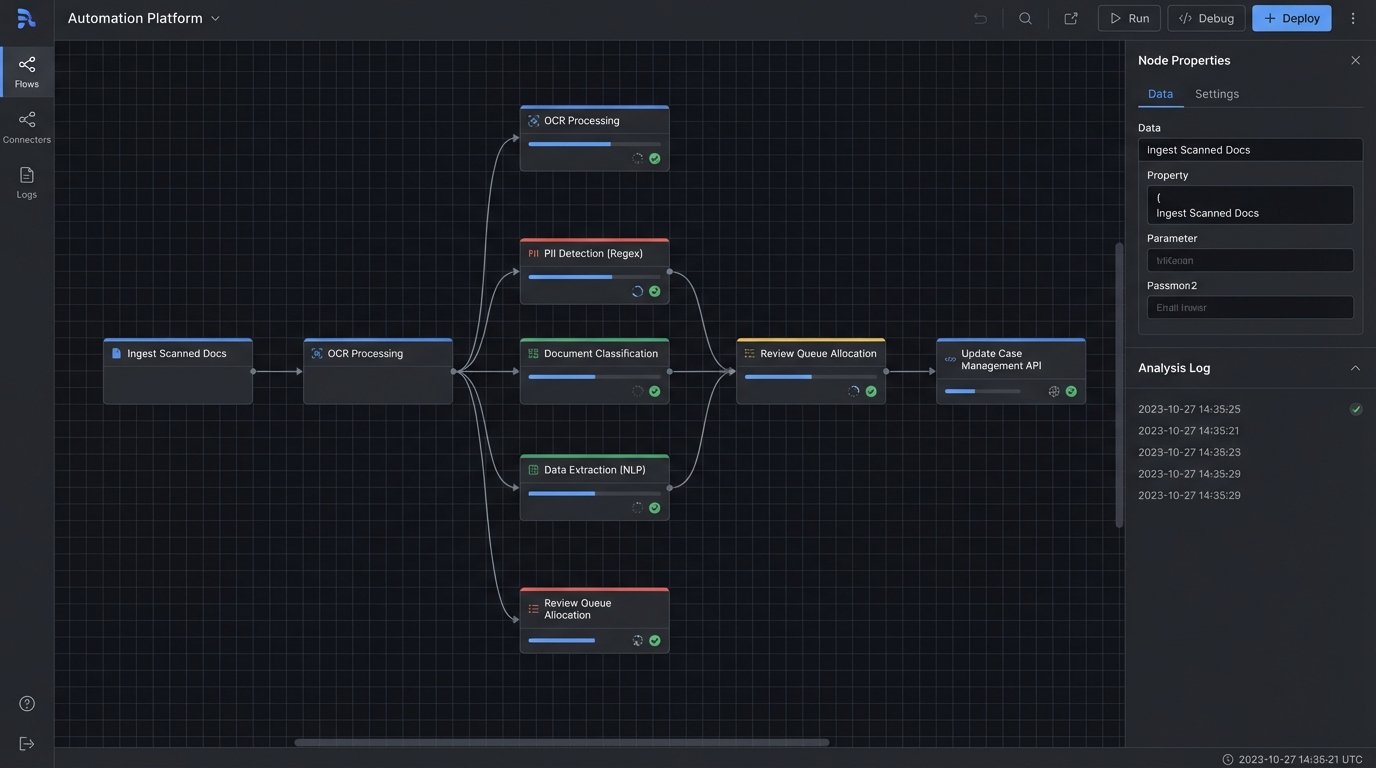
Training as Endpoint Documentation, Not a Seminar
Forget the PowerPoint presentations and the “lunch and learn” sessions. These are low-bandwidth, high-failure methods for information transfer. Treat your users like developers consuming a new API. Give them a sandbox environment, a one-page quick-start guide, and a list of expected error messages. The goal is not to make them feel good. The goal is to make them competent and self-sufficient.
Your quick-start guide should be a checklist. No paragraphs of prose. Just a sequence of actions and expected outcomes. “1. Click ‘New Matter Intake’. 2. Enter Client ID. 3. System populates client address from accounting database. If address is red, contact finance.” This is command-line thinking applied to a GUI.
The sandbox is non-negotiable. It must be a full-fidelity copy of the production environment, refreshed with sanitized data nightly. This lets users make mistakes without consequence. It is their testing environment. When they report a bug, your first question is always, “Can you replicate this in the sandbox?” This simple question filters out a massive percentage of user error and transient network issues.
Error Messages as a Feature
A user confronted with a generic “An error has occurred” message will immediately file a support ticket and abandon your tool. This is a design failure. Your automation’s error handling must be explicit and actionable. When a workflow fails, the system needs to tell the user precisely why and what to do next.
Consider a document automation script that fails because a source folder is missing. A bad error is `Error: Null Pointer Exception on line 52`. A good error is `Process Failed: The folder ‘X:\Cases\Case-123\Exhibits’ does not exist. Please create the folder or check for typos and run again.`
Here is a basic example of how an error might be structured in a Python script’s output, designed to be logged and shown to the user.
import json
def process_document(doc_id):
# Fails to connect to the document management system (DMS)
dms_connection_status = "failed"
if dms_connection_status == "failed":
error_payload = {
"timestamp": "2023-10-27T14:35:01Z",
"errorCode": "DMS_CONN_FAIL",
"errorType": "Connection Timeout",
"userMessage": "Could not connect to the Document Management System. Check your network connection or contact IT.",
"systemDetails": "Target: dms.firm.local, Port: 1433, Timeout: 30s"
}
# Log this payload for IT, show 'userMessage' to the end user.
print(json.dumps(error_payload, indent=2))
return False
return True
process_document(42)
The `userMessage` is what they see. The rest of the payload is for the support team. This separates the signal from the noise and empowers the user to solve their own problem. This is how you reduce your support load and build user confidence.
Architecting Compliance: Force Functions and Decommissioning
The most effective change management is invisible. It is built directly into the system’s architecture, making the new process the only viable path. This is not about choice. It is about removing old options until the new one is all that remains. We are not asking for adoption. We are forcing it.
This process is like replacing a foundational beam in a house while people are still living in it. You cannot just rip the old one out. You must build the new support structure around it, transfer the load completely, and only then dismantle the old, rotting wood. In our world, this means running the manual and automated systems in parallel for a brutally short period, validating that the new system’s output is identical, and then killing the old one without ceremony.
The Sunset Protocol
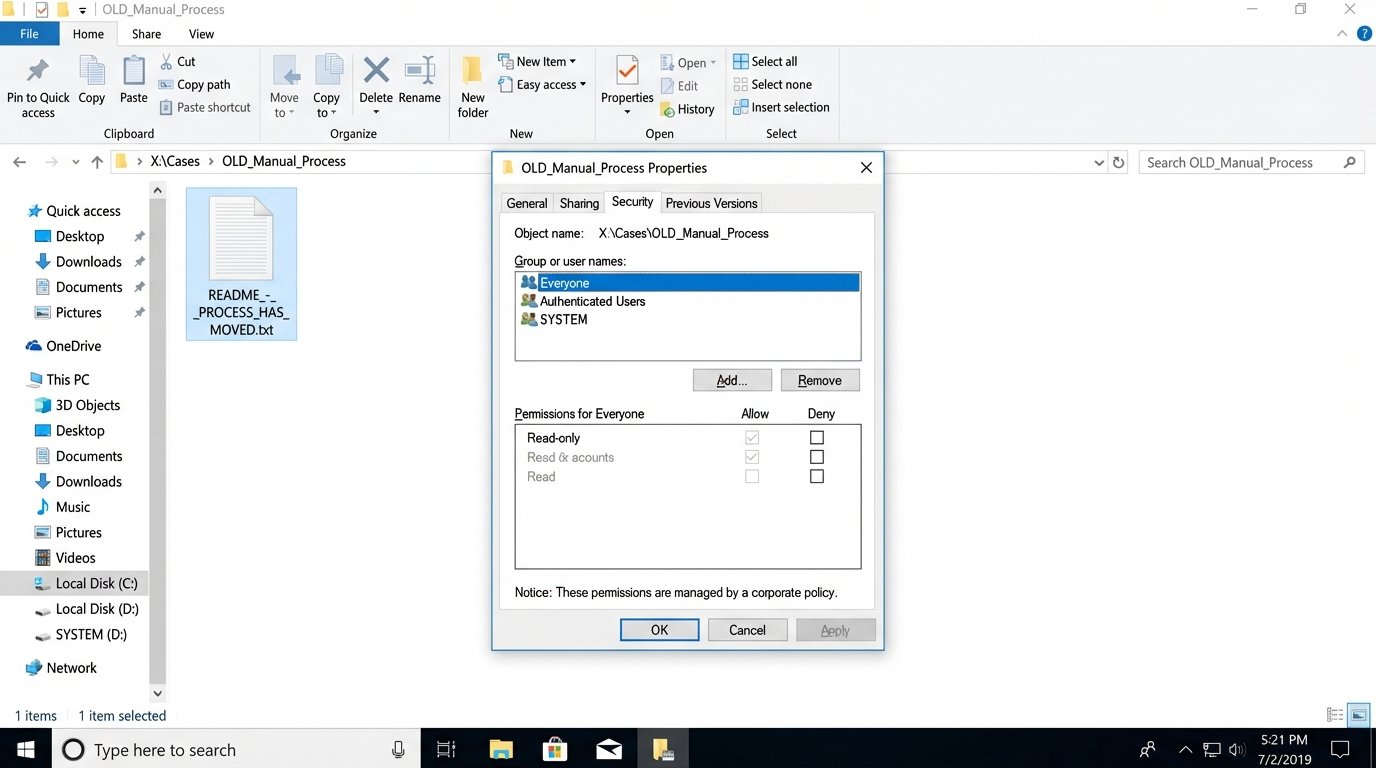
Offering a new tool alongside the old one is a recipe for failure. Users will revert to the familiar manual process at the first sign of trouble. You must create a hard cutover date. On that date, the old methods are disabled at a system level.
- Shared Drive Archives: The old shared drive folder for a manual process is set to read-only. A single `README.txt` file is placed in it, redirecting users to the new system.
- Email Redirection: The inbox for manual requests (e.g., `conflictreports@firm.com`) is configured to auto-reply with a link to the new automation portal and then delete the incoming message. Do not forward it. Forwarding allows the old behavior to continue.
- Legacy Software Decommission: The old standalone application is removed from desktops via group policy. Attempting to launch it produces a system-level “not found” error.
This will cause short-term pain and generate angry phone calls. This is expected. It is the friction required to force a change in behavior. Your role is to hold the line and ensure the new system is stable enough to handle the load you are now forcing onto it.
Input Validation as a Non-Negotiable Guardrail
Your automation is only as good as the data it receives. A user entering “N/A” into a date field will break your downstream logic. You must prevent bad data at the source. The user interface for your automation is the first line of defense.
Use strict input masks for dates, phone numbers, and client matter numbers. Use dropdowns populated from a master data source instead of free-text fields wherever possible. Implement real-time validation that provides instant feedback. If a user enters an invalid matter number, the form should immediately display a message saying, “Matter ID not found in Elite 3E.”
Here is a trivial piece of JavaScript logic that demonstrates the concept. It stops the form submission cold if the data is not in the expected format.
document.getElementById('intake-form').addEventListener('submit', function(event) {

    const matterIdInput = document.getElementById('matter-id');

    const matterIdPattern = /^[A-Z]{3}-\d{5}$/; // Example: ABC-12345
if (!matterIdPattern.test(matterIdInput.value)) {
// Prevent the form from being submitted to the backend
event.preventDefault();
// Provide immediate, specific feedback to the user
document.getElementById('error-message').textContent = 'Invalid Matter ID format. Use AAA-12345 format.';
}
});
This is not about being user-friendly. It is about protecting your backend processes from the garbage data that will inevitably be thrown at them. Every error you catch on the client side is a server-side failure you do not have to debug at 2 AM.
Weaponizing Logs Against Subjective Complaints
When your automation is live, the complaints will shift. They will become vague and subjective. “The new system is slow.” “It feels buggy.” “I don’t trust the output.” Your defense against this is not a conversation. It is data.
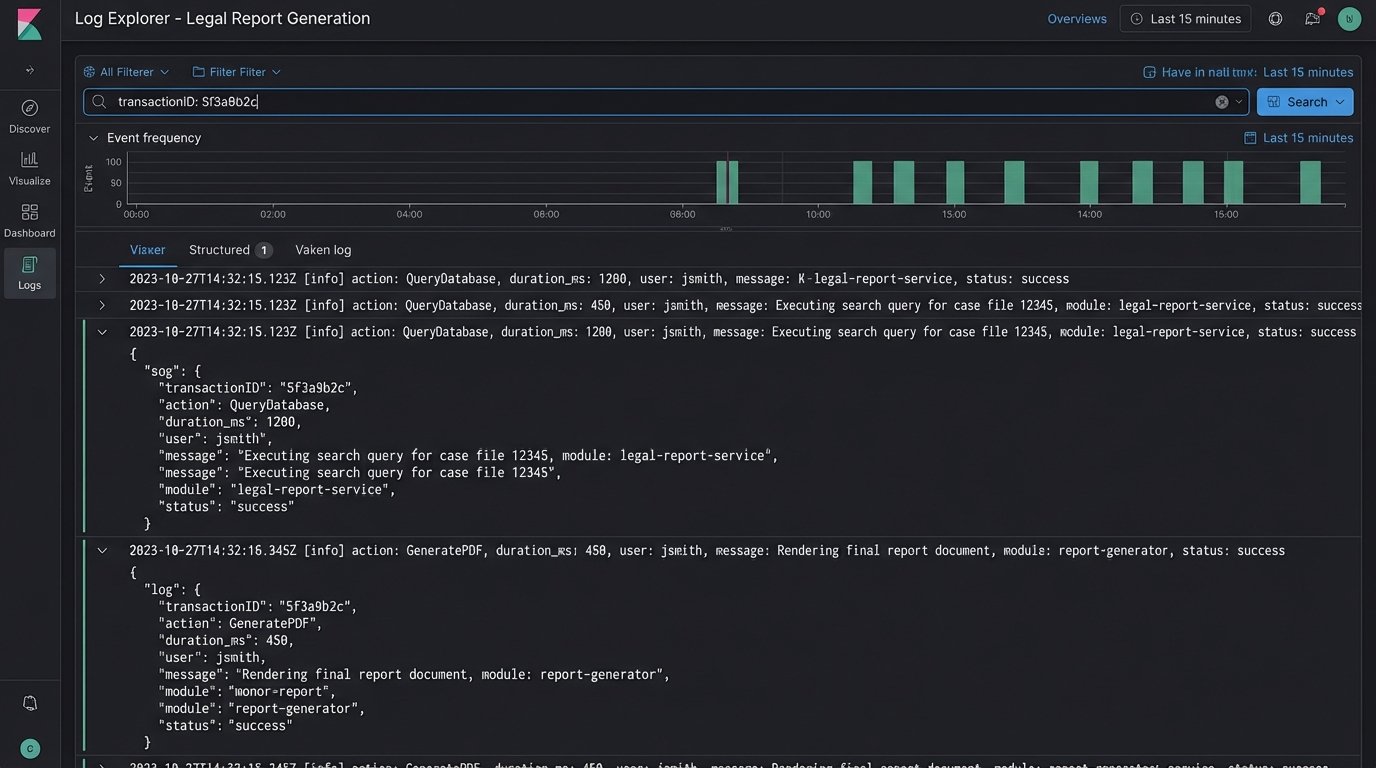
Implement structured logging from day one. Every major step in your automation should write a log entry with a timestamp, a transaction ID, the action performed, and the duration. When a user claims the process is slow, you do not argue. You query the logs for their specific transaction ID and present the facts.
“Mr. Smith, I see your report generation request from 10:15 AM. The system received the request at 10:15:02. It queried the database, which took 1.2 seconds. It then assembled the PDF, which took 0.8 seconds. The final document was available at 10:15:04. The total processing time was 2 seconds. Perhaps there was a delay in the network delivering the file to your machine?”
This approach reframes the conversation. You move from their subjective feeling of “slowness” to a set of measurable, objective facts. More often than not, the perceived problem is not in your code but in some other part of the firm’s creaking infrastructure. Your logs are the evidence you use to prove it.
This same logic applies to data integrity. If a partner does not trust the numbers in an automated report, you must be able to trace every single number back to its source. Your logs should show the exact query sent to the accounting database and the raw data that was returned. You provide a data lineage trail that is irrefutable. Trust is not built through reassurance. It is built through verifiable proof.