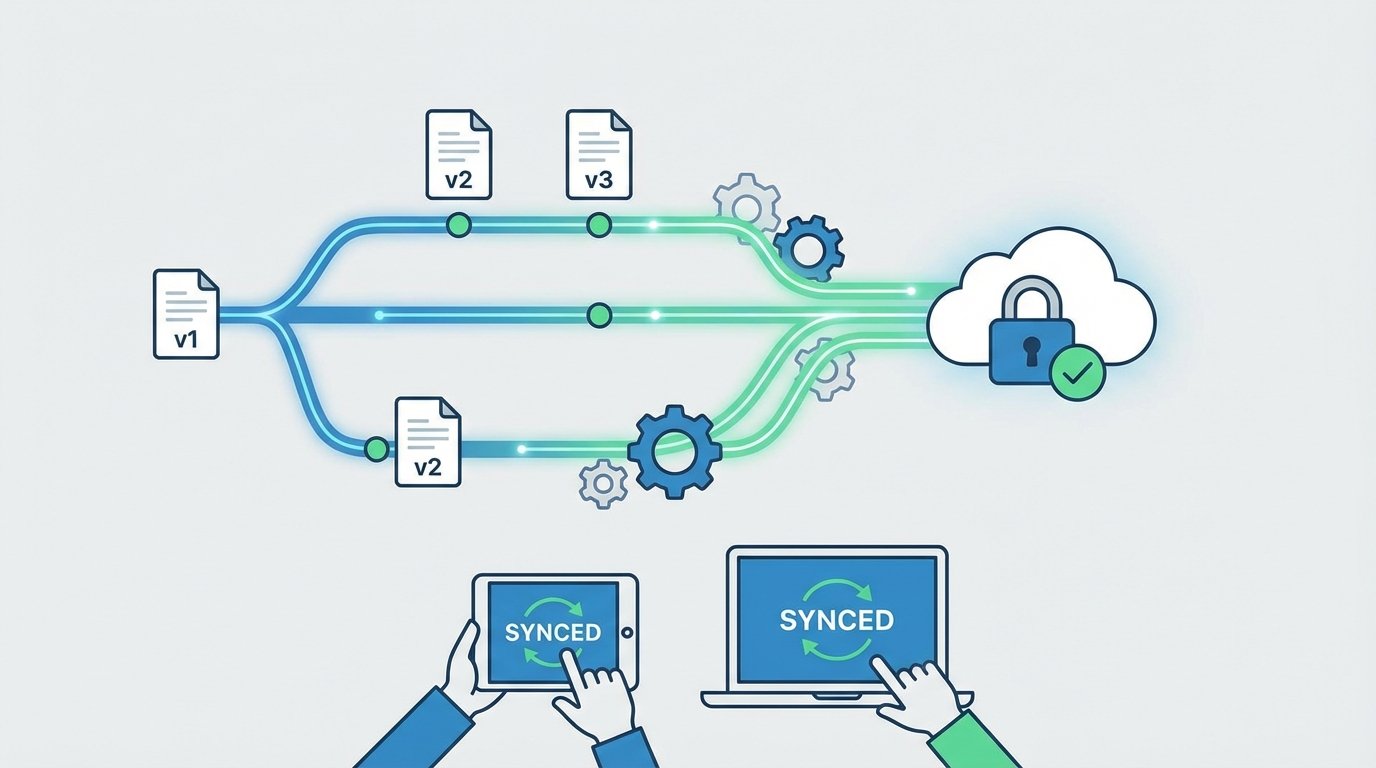
Your automated invoicing system just sent 10,000 documents using a deprecated template. The compliance footer is a year out of date, and the payment terms field points to a legacy API endpoint that’s been dark for six months. The root cause was a hotfix pushed directly to the main branch, bypassing every check. This isn’t a hypothetical. This is a Tuesday.
Treating generated documents like Word files on a shared drive is the fastest path to production failure. Version control in these systems isn’t about tracking changes in a final PDF or XML file. It’s about managing the source components: the data schema, the business logic, and the presentation templates. Get that wrong, and you’re just building an archive of mistakes.
Stop Versioning the Output
The most common architectural error is attempting to apply version control to the final, rendered document. Shoving a 5MB PDF into a Git repository is a fundamentally broken approach. Git is designed to handle line-by-line text diffs, not binary blobs. Committing binary files makes your repository bloated, slow, and nearly useless for forensics.
You can’t diff two PDFs to see who changed the tax calculation logic. You can’t branch a collection of generated invoices to test a new header design. Versioning the final artifact is like versioning a compiled executable; it tells you that it changed, but gives you zero insight into why. You’re just archiving digital paperweights.
Separate the Components of Generation
A document is not a single entity. It’s the result of a process that combines three distinct elements. Each requires its own versioning strategy.
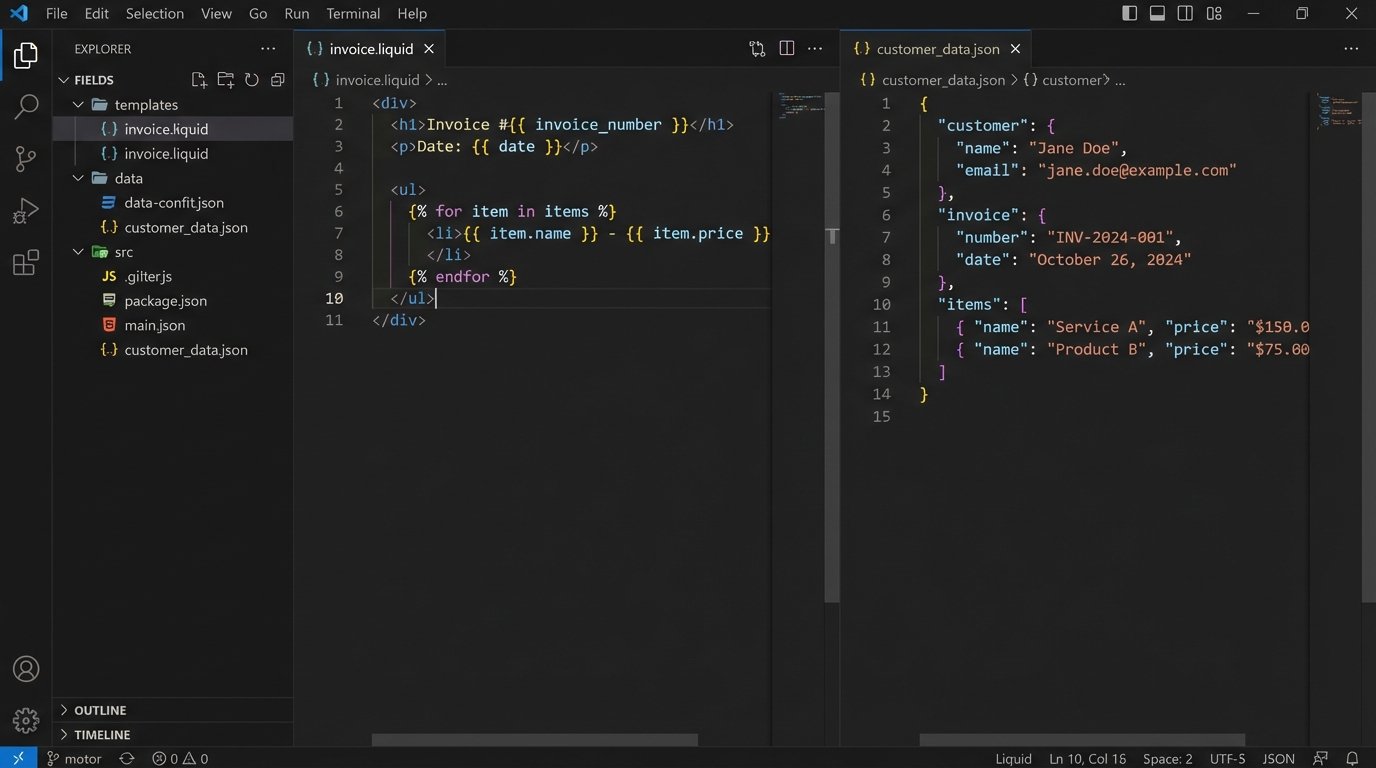
- Templates (The Skeleton): These are your XSLT, Liquid, Handlebars, or proprietary template files. They are text. They belong in a Git repository. This is non-negotiable.
- Data (The Flesh): This is the transactional data, typically JSON or XML, pulled from an application database or API. Its version is tied to the source system’s schema. You don’t version the data itself in Git, you version the schema that defines it.
- Generation Logic (The Brain): This is the code that fetches the data, injects it into the template, and handles any conditional logic. It’s part of your application’s codebase and follows its versioning and deployment lifecycle.
Your document system’s reliability depends entirely on how well you isolate and manage these three components. Conflating them means a change to a simple display string requires a full application deployment. That’s a bottleneck waiting to happen.
Enforce Semantic Versioning for Templates
Templates are APIs. When a template changes, it can break downstream systems that parse the documents it generates. Adopting semantic versioning (Major.Minor.Patch) is the only sane way to manage this dependency chain. It provides a clear contract for consumers of your documents.
Define what each version increment means in your context:
- PATCH (e.g., 1.2.1): A backward-compatible bug fix. Correcting a typo in a static header, fixing a broken image link. No structural changes. Safe to deploy anytime.
- MINOR (e.g., 1.3.0): Adding a new, non-breaking field. Including a customer’s PO number on an invoice. Downstream systems that don’t know about the new field should ignore it without failing.
- MAJOR (e.g., 2.0.0): A breaking change. Removing a field, changing the data type of an existing field (e.g., string to integer), or restructuring the document’s XML/JSON tree. This requires coordinated updates with all consuming systems.
This isn’t just for documentation. Your document generation service should allow callers to specify a version. An API call might request `invoice-template:1.3.0` for one customer while another process still needs the legacy `invoice-template:1.2.5` for a few more weeks. Forcing a system-wide upgrade for a single customer’s requirement is poor architecture.
Build a Gated Pipeline for Template Changes
A template repository without an automated pipeline is a liability. Every proposed change must be forced through a series of automated checks before it can be merged. A pull request should be the only mechanism for introducing a change, and the merge button should remain disabled until all gates pass.
Your pipeline must, at a minimum, perform these three validation steps:
- Linting and Syntax Checking: The first line of defense. Does the XML parse? Is the Liquid syntax valid? This catches simple, clumsy errors before they waste anyone’s time. Tools like `xmllint` for XML or language-specific linters are easy to script.
- Schema Validation: If your templates produce structured data like XML, validate the output against a master XSD or schema. This ensures that a stylistic change didn’t accidentally break the document’s fundamental structure.
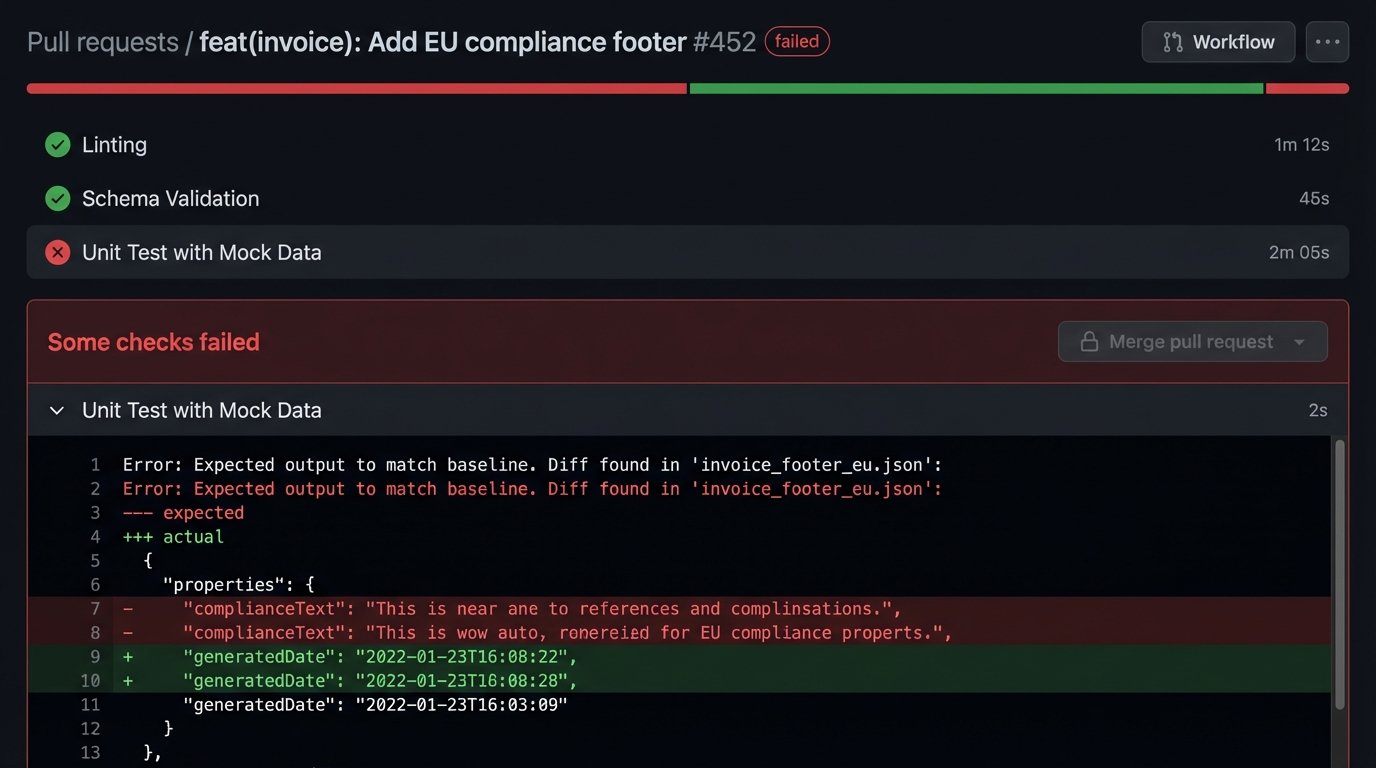
- Unit Testing with Mock Data: This is the most critical step. Create a library of mock data files representing various scenarios: a standard case, a case with missing optional fields, a case with edge-case values. The pipeline should run the template against each mock data file and compare the output to a “known good” snapshot. If there’s a diff, the build fails.
The goal is to kill bad changes before they ever reach the main branch. A human review is for logic and style, not for catching syntax errors a script can find in milliseconds.
Example Pipeline Step: Template Unit Test
A simple shell script in a CI/CD pipeline can automate the testing. This example assumes a command-line rendering tool.
#!/bin/bash

# test-template.sh
TEMPLATE_FILE=$1
TEST_CASE_DIR="tests/cases"
SNAPSHOT_DIR="tests/snapshots"
BUILD_DIR="build/test-output"
# Exit script on any error
set -e
echo "--- Running tests for ${TEMPLATE_FILE} ---"
for test_file in ${TEST_CASE_DIR}/*.json; do
test_name=$(basename "${test_file}" .json)
echo "Testing with ${test_name}..."
output_file="${BUILD_DIR}/${test_name}.xml"
snapshot_file="${SNAPSHOT_DIR}/${test_name}.xml"
# Run the generator with the template and test data
doc-generator --template "${TEMPLATE_FILE}" --data "${test_file}" --output "${output_file}"
# Compare the output with the stored snapshot
if ! diff -u "${snapshot_file}" "${output_file}"; then
echo "ERROR: Output for ${test_name} does not match snapshot."
exit 1
fi
done
echo "--- All tests passed for ${TEMPLATE_FILE} ---"
This script forces every change through a regression test. If a developer’s modification to the invoice template breaks the rendering for EU customers (represented by `eu-customer.json`), the pipeline stops the change cold.
Leverage Git for Audit and Forensics
When an auditor asks why the disclaimer on invoices changed on April 15th, your answer should not be “let me check my emails.” Your version control system is your audit trail. The commit history provides an immutable, timestamped log of every single modification to a template.
Insist on disciplined commit messages. A message like “updated template” is useless. A message like “feat(invoice): Add PO number field for ACME Corp req #4182” is actionable. It connects a code change to a business driver. Using `git blame` on a template file will show you, line by line, who made the last change and in which commit.
This level of traceability is impossible if you’re just passing around `.docx` files. When something goes wrong in production, the first question is always “what changed?” Your Git log should provide the answer in seconds.
Design a Coherent Rollback Strategy
A rollback in a document system is more complex than a simple `git revert`. Reverting the template code is the easy part. The hard part is dealing with the documents that were already generated and dispatched with the faulty template. You need a strategy before the emergency happens.
Your options depend on the nature of the documents:
- Transient Documents: For things like packing slips or temporary reports, you might not need to do anything. You fix the template, and future documents are correct. The bad ones are already in the physical world and can’t be clawed back.
- Transactional Records: For invoices, contracts, or financial statements, you likely need to regenerate and resend them. This requires your system to be able to re-run the generation process for a specific set of transactions using a newly specified template version. You must be able to identify exactly which documents were generated with the bad version.
- Archival Systems: The generated documents might need to be replaced in a long-term storage or archival system. This requires an API to void or supersede the old document with the corrected version.
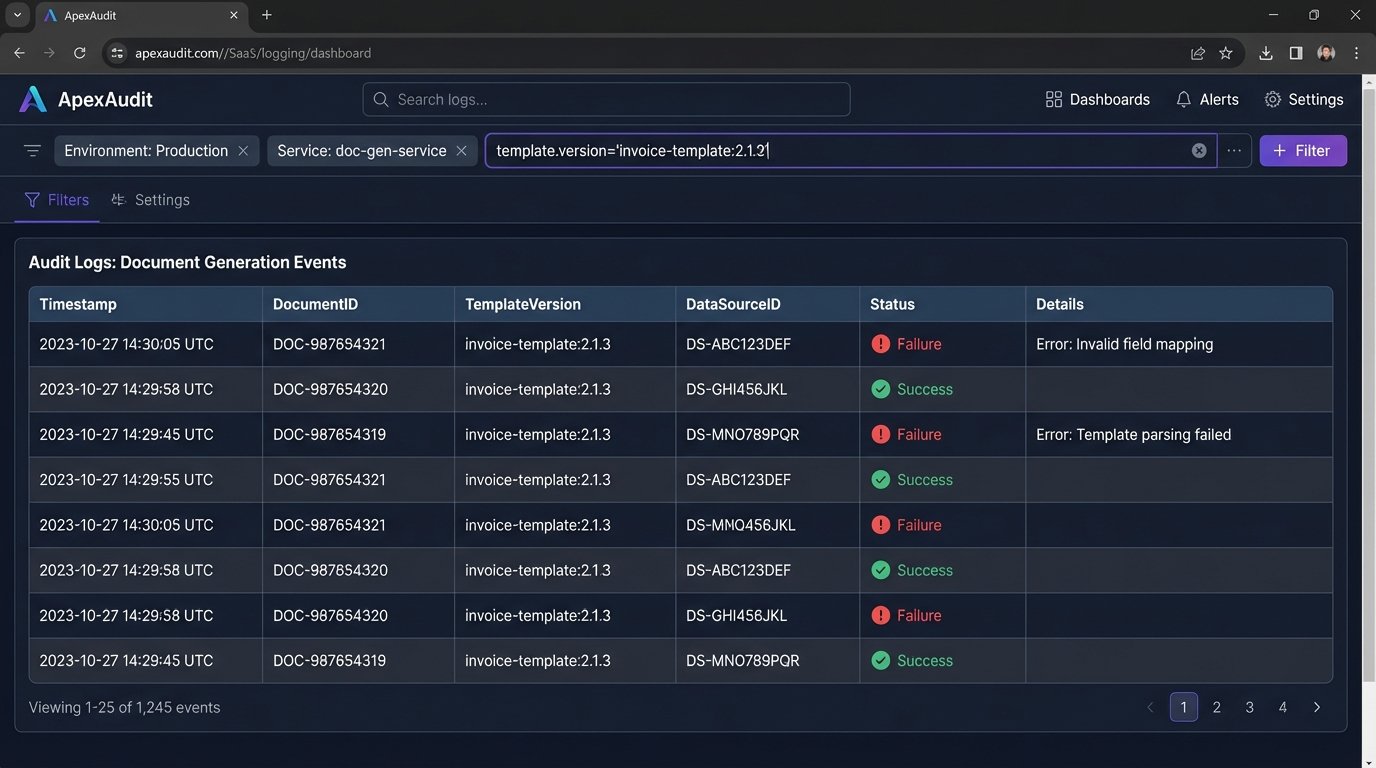
The key is logging. When you generate a document, you must log the exact version of the template used (`invoice-template:2.1.3`), the ID of the source data, and a unique identifier for the generated document. Without this metadata, identifying the blast radius of a bad template is a manual, gut-wrenching exercise in log grepping.
The Final Check: Content is King
One final point that gets missed in the architectural discussions. Your pipeline can verify syntax and structure, but it can’t verify content quality. A human must still be in the loop. The “approver” on a pull request isn’t just clicking a button; they are the final gatekeeper for the business logic embedded in the template.
The process should ensure that the person with the business context signs off. If the change is to tax calculation logic, someone from finance should be a required reviewer. If it’s a change to legal wording, a legal reviewer must approve. Codifying these review requirements using a `CODEOWNERS` file in your repository can automate this, forcing the right people to look at the right changes.
Automated checks prevent stupid mistakes. Mandated human reviews prevent logical ones. You need both.