8 Calendar Integration Patterns That Actually Work for Real Estate (and the Traps to Avoid)
The core problem isn’t getting an appointment on a calendar. The problem is that the appointment data is born orphaned, disconnected from your CRM, your follow-up sequences, and your transaction pipeline. Most off-the-shelf scheduling tools create yet another data silo, forcing you into brittle, manual reconciliation processes that break the moment an agent forgets to copy-paste a meeting ID. Forget streamlining. We are here to talk about creating a single, authoritative source of truth for an agent’s time. Anything less is just a prettier version of the same old mess.
We’re not reviewing features. We’re dissecting the architectural patterns behind these integrations. The goal is to bind appointment data to your core systems from the moment of creation, not as a messy afterthought. This means evaluating the data flow, the failure modes, and the real cost in developer hours and system fragility. Some of these patterns use common tools, but the tool is secondary to the method of data transport.
1. Direct Webhook Injection from Scheduler to CRM
This is the most common pattern, offered by tools like Calendly or Acuity Scheduling. A user books a time slot. The scheduling service fires a webhook with a JSON payload to an endpoint you control. Your endpoint is responsible for parsing this payload and injecting the data directly into your CRM or database. It’s fast and event-driven, which means no polling for changes.
The logic is deceptively simple. You build a small web service, often a serverless function on AWS Lambda or Google Cloud Functions, that acts as the receiver. It validates the request, maps fields like `invitee_email` to your CRM’s `contact_email`, and `event_start_time` to the appropriate activity record. The data transfer is nearly instantaneous. No waiting for a sync cycle.
The trap here is endpoint reliability and data transformation logic. If your endpoint goes down for even a few minutes, you lose bookings. You are forced to build a retry mechanism on your end or rely on the scheduler’s limited retry policy. The other silent killer is payload drift. The scheduling service might update its API, adding a new field or changing a data format, which breaks your parsing logic without warning. You must code defensively and have robust logging to catch these failures before they corrupt your data.
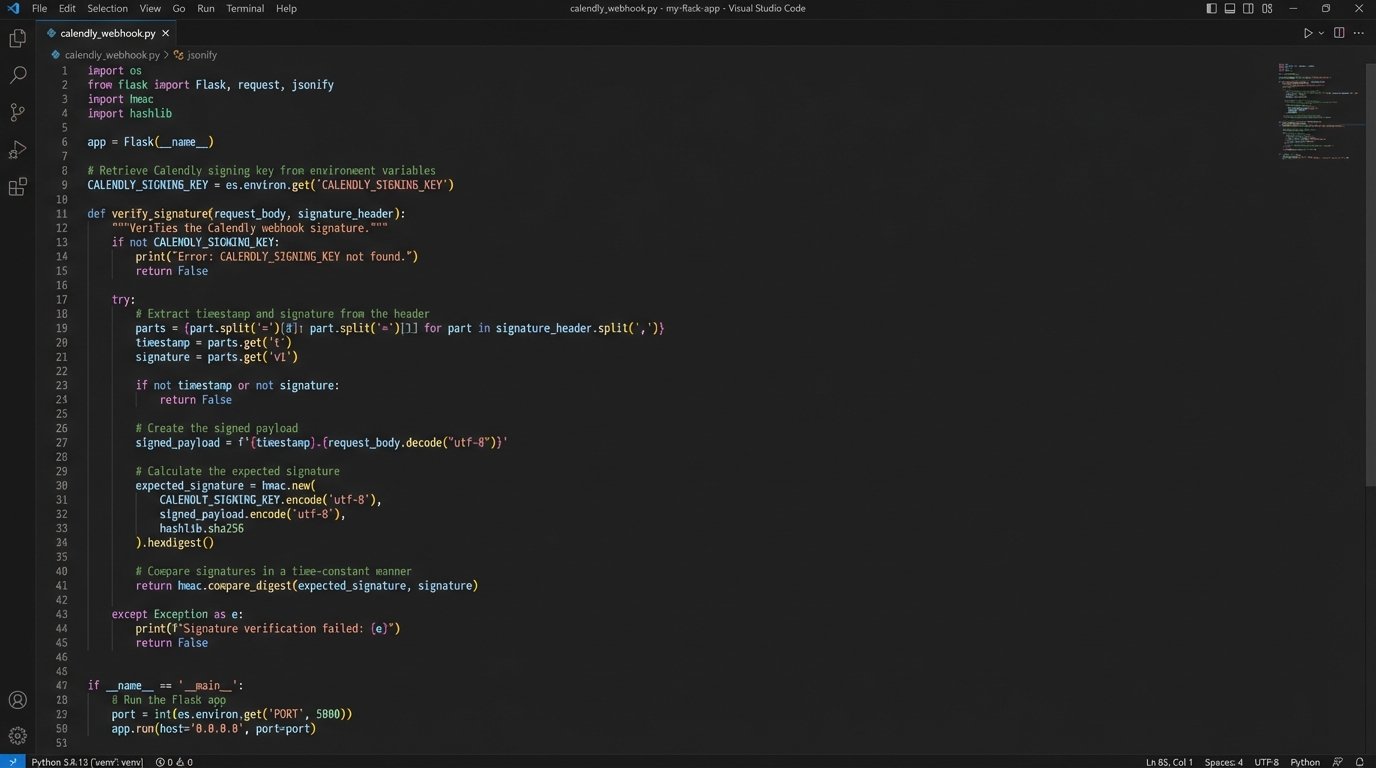
A basic Python handler using Flask for a Calendly webhook might look something like this. Notice the `try…except` block. That’s not optional.
from flask import Flask, request, abort
import hmac
import hashlib
app = Flask(__name__)
# Your Calendly-provided secret
CALENDLY_SIGNING_KEY = 'your_secret_signing_key'
@app.route('/webhook/calendly', methods=['POST'])
def handle_calendly_webhook():
# Verify the request signature to ensure it's from Calendly
signature_header = request.headers.get('Calendly-Webhook-Signature')
if not signature_header:
abort(400, 'Missing signature header')
# Logic to validate the signature
# ... code to parse t, signature and compute expected_signature ...
# if not hmac.compare_digest(expected_signature, signature):
# abort(403, 'Invalid signature')
payload = request.get_json()
try:
if payload['event'] == 'invitee.created':
# Extract the useful data
invitee_email = payload['payload']['email']
event_uri = payload['payload']['event']['uri']
start_time = payload['payload']['scheduled_event']['start_time']
# TODO: Add logic here to find/create a contact in your CRM
# and create an activity record. This is the critical part.
print(f"New booking for {invitee_email} at {start_time}")
except KeyError as e:
# Log the error and the payload that caused it
print(f"KeyError: {e} in payload: {payload}")
# Return a 2xx response so Calendly doesn't retry a broken payload
except Exception as e:
# Catch other potential issues
print(f"An error occurred: {e}")
return 'Webhook processed with errors', 500
return 'Webhook received', 200
This approach gives you granular control, but it also makes you directly responsible for uptime and maintenance. It’s not set-and-forget.
2. Bi-Directional Sync via Service Accounts
This is the heavy-duty approach for brokerages running on Google Workspace or Microsoft 365. Instead of integrating with each agent’s calendar individually, you create a single service account with domain-wide delegation. This account gets programmatic access to read and write events to every agent’s calendar. It’s the “god mode” of calendar management, allowing a central system to be the single source of truth.
Your application can now manage availability directly. When a lead is assigned, your system checks the assigned agent’s calendar for conflicts via the Google Calendar API or Microsoft Graph API, books the appointment, and invites the prospect. It can also sync appointments created manually by the agent back into the CRM. This closes the loop completely. No more “I forgot to log that call” excuses.
The obvious downside is the security footprint. A compromised service account key gives an attacker keys to the kingdom, with the ability to view and delete every meeting in the organization. Key rotation policies and strict access controls are mandatory. The other issue is performance and API rate limits. Querying hundreds of calendars frequently can get you throttled by Google or Microsoft, forcing you to implement intelligent caching and backoff strategies.
This is not a task for an off-the-shelf connector. It requires serious backend engineering. Trying to manage bi-directional sync logic without a proper state machine is like trying to direct traffic at a six-way intersection with just a whistle. You’ll inevitably cause collisions, creating duplicate events or deleting legitimate ones.
3. Native CRM Schedulers
Some CRM platforms like HubSpot or Salesforce have their own built-in appointment scheduling tools. The primary advantage is zero integration risk. The appointment data is born inside the CRM ecosystem, linked to the correct contact record from the first second. There is no external API to break, no webhook endpoint to maintain, and no data mapping to configure.
For teams already heavily invested in one of these platforms, this is often the path of least resistance. The data integrity is perfect because there’s no “sync” to fail. The appointment is just another object type on the contact record, fully available to the CRM’s native workflow automation and reporting engines.
The trade-off is extreme inflexibility. The user interface for these schedulers is often basic, lacking the advanced features of dedicated tools like round-robin assignment, collective availability for teams, or complex buffering rules. You are stuck with the feature set the CRM vendor decides to provide. If your scheduling logic is anything more complex than “pick a time on my calendar,” you will outgrow these tools fast.
4. iPaaS Connectors (The Necessary Evil)
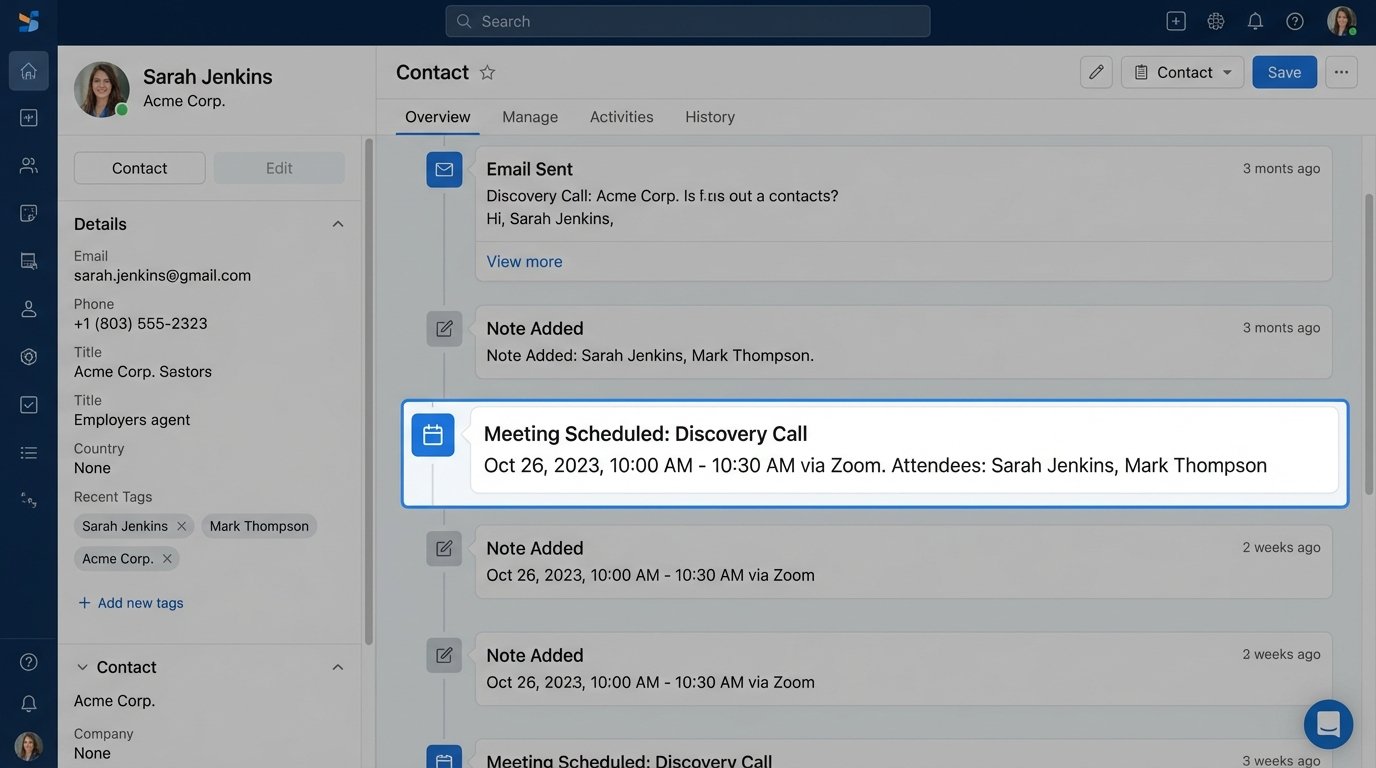
Integration Platform as a Service (iPaaS) tools like Zapier or Make are the glue of the modern web. They provide pre-built connectors that move data between a scheduler and a CRM without writing code. You use a graphical interface to map fields from “New Calendly Event” to “Create HubSpot Contact” and “Add Timeline Event.”
The speed of initial setup is the main draw. You can have a basic integration running in minutes. This is useful for prototyping or for small teams with no developer resources. It’s a quick fix for the data silo problem, ensuring that at least some record of the appointment makes it into the CRM.
This convenience is a wallet-drainer at scale and a debugging nightmare. The “per-task” pricing model means every single appointment booked, rescheduled, or canceled can cost you money. As volume grows, so does the bill. Worse, when it breaks, you’re stuck in a black box. You can’t see the platform’s internal logs, you can’t control the retry logic, and you’re at the mercy of opaque error messages. It’s a great tool for simple, low-volume tasks but a fragile foundation for a core business process.
5. Round-Robin and Lead-Routing Schedulers
Tools like Chili Piper or LeanData are not just schedulers. They are lead-routing engines that happen to have a scheduling component. Their primary function is to enforce business logic. When a high-value lead fills out a form, the system queries the CRM in real time, identifies the correct agent based on territory or other rules, checks their calendar availability, and presents the booking interface instantly.
This pattern tightly couples the scheduling action to your lead qualification and assignment rules. It solves the problem of a lead getting assigned to an agent who is on vacation or already swamped. The integration is deep, often requiring a direct, high-privilege connection to your CRM to function. It ensures the right meetings get booked with the right people, instantly.
The complexity and cost are significant. These are not simple calendar plugins. They are sophisticated platforms that live inside your CRM. Setup is not a five-minute task. It involves defining complex routing rules, setting up queues, and managing agent schedules within the platform. A misconfiguration can stop your inbound lead flow cold. You’re buying a powerful but opinionated system that dictates a specific workflow.
6. ICS Subscription Feeds (The Read-Only Trap)
Nearly every calendar application can “subscribe” to an external calendar using an ICS URL. This seems like an easy way to get appointments from a third-party system onto an agent’s calendar. The system generates a link, the agent adds it to their Google or Outlook calendar, and the events appear.
The only valid use for this is one-way, low-priority information display, like viewing a company holiday schedule. It is completely unsuitable for actual appointment booking because it is a slow, polling-based, read-only mechanism. The refresh interval for most calendar clients is measured in hours, not minutes. An appointment booked now might not show up for half a day. There is no way to push updates in real time.
Relying on this for a core scheduling process is a classic rookie mistake. It creates the illusion of integration without providing any of the necessary speed or data-writing capabilities. Agents will see outdated information, leading to double bookings and confusion. It’s a dead-end street.
7. API Polling (The Brute-Force Method)
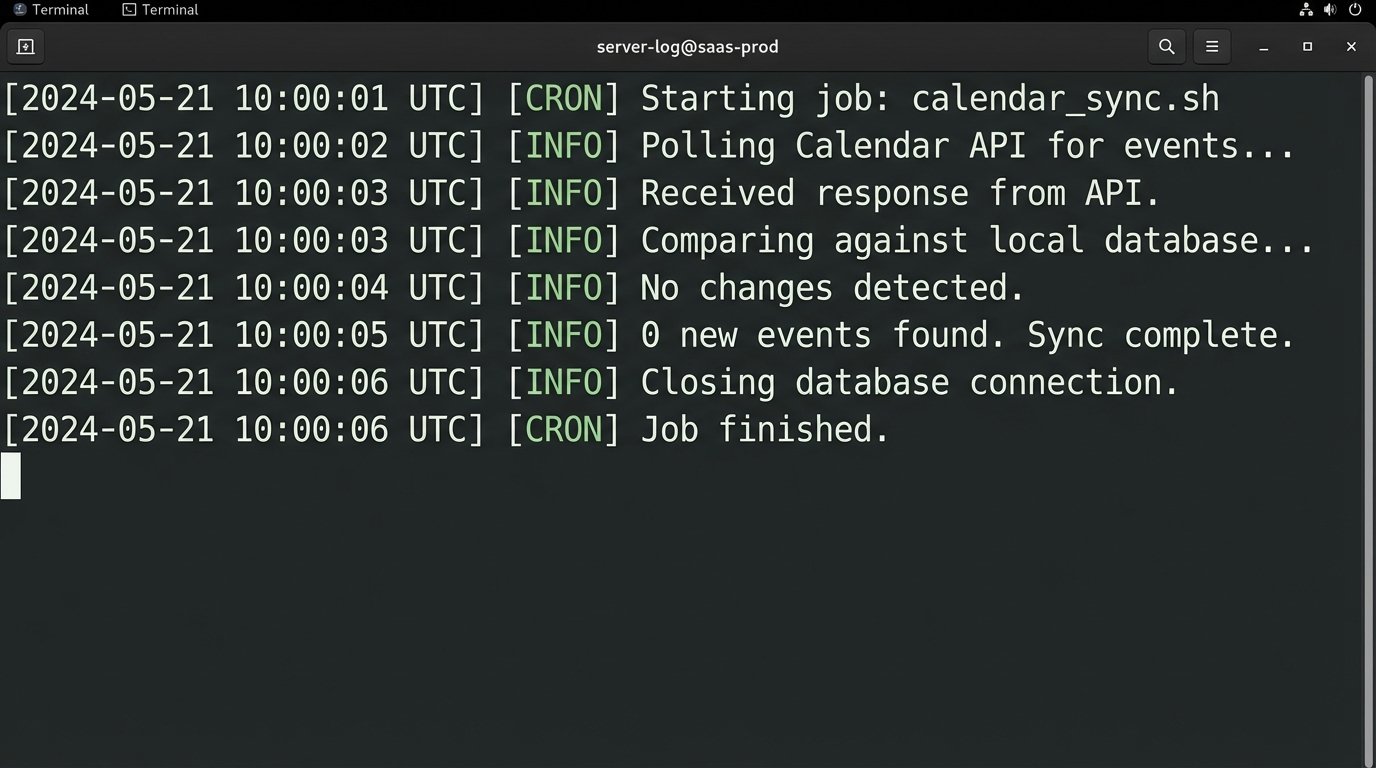
If webhooks aren’t available or reliable, you can fall back to polling. Your system runs a cron job or a scheduled task every few minutes. This job authenticates to the calendar API (Google, Outlook), fetches all events within a certain time window, and compares the list to the events stored in your local database or CRM.
The main advantage is control. Your system initiates the connection, so you are not dependent on an external service to fire a webhook correctly. You can build your own logic to handle missed updates and reconcile data discrepancies. It’s a more resilient pattern if the source system is unreliable.
This is horribly inefficient. You are constantly making API calls, most of which will return no new information. This burns through your API request quota and can lead to rate-limiting. It also introduces latency. A new event will only be detected on the next polling interval, which could be five or ten minutes after it was created. It’s a brute-force solution that works but lacks the elegance and real-time nature of event-driven patterns.
8. Custom Event-Sourced Architecture
This is the most complex and most powerful pattern. Instead of treating calendars as the source of truth, you build an internal “Scheduling Service” that is the truth. Every action, a booking request, a cancellation, a reschedule, is captured as an immutable event and stored in an event log (like Apache Kafka or a simple database table). Your CRM and the agents’ calendars are just subscribers that project the current state from this log.
This gives you a perfect, auditable history of every appointment. Data integrity is absolute. If an agent’s calendar needs to be rebuilt, you can simply replay the event log. This architecture decouples your systems completely. The CRM doesn’t need to know about the Google Calendar API, and vice-versa. They both just listen to your internal service.
The cost and engineering effort are massive. You are essentially building a distributed system and a bespoke scheduling application from scratch. This is only justifiable for large-scale operations where scheduling is a core, mission-critical component of the business and off-the-shelf tools have proven too fragile or inflexible. It’s the ultimate solution for control and reliability, but it’s a huge undertaking.
Choosing the right pattern is about understanding your scale, your technical capability, and your tolerance for data discrepancies. A simple webhook might be fine for a small team, but a large brokerage will inevitably be bitten by the limitations of that approach. Underinvesting in this core infrastructure means you’re just building future debugging sessions and data cleanup scripts for yourself. Choose carefully.